

Key takeaways
- Treat the dock as a changing traffic state, not a fixed robot map.
- Use preapproved geofence templates, named owners, and automatic expiry times.
- Match every software rule change with clear floor-level visual controls and shift handoffs.
- Test changes at low speed with spotters, then require deliberate recovery after any emergency stop.
What should a dock no-go program do right away?
Create dynamic dock no-go zones by treating each bay, staging lane, and cross-aisle as a temporary traffic state that can change by the hour. Build preapproved geofence templates around trailer positions, forklift crossing paths, and temporary load spillover, then let a designated dock owner switch those templates on and off without rebuilding the whole map.
Each change should do four things at once. It should block route planning through the affected space, slow or reroute robots on adjacent lanes, show the new state clearly to people on the floor, and record who activated it, why, and when it expires. If any one of those pieces is missing, the dock is running on memory and radio chatter instead of control.
That discipline matters because the dock is one of the least stable parts of a warehouse. According to OSHA, loading docks can be dangerous places for forklifts, and falls from a loading dock in a forklift can be fatal. Static maps do not keep up with trailer swaps, dockboard moves, forklift surges, pooled pallets, or a spill that suddenly narrows a travel lane.
Why static maps fail at the dock door
The case for dynamic traffic control is not theoretical. According to the U.S. Bureau of Labor Statistics, warehousing and storage recorded 32 fatalities in 2024, and the subsector posted a total recordable injury and illness rate of 4.8 cases per 100 full-time workers. BLS also reports that warehousing and storage employed 286,750 industrial truck and tractor operators in 2025. That is a large, moving population of people and vehicles sharing space with automation.
The operating backdrop is also large. BLS reported that transportation and warehousing employed 6.6 million people in June 2024, equal to 5 percent of all private-sector jobs, and warehousing and storage made up 26.9 percent of that sector. In a live dock, traffic conditions change far faster than a permanent route file. A robot path that was safe at 7:00 a.m. can be wrong by 7:20 if a trailer is reassigned and pallets start staging into an aisle.
What should change in the map, and what should stay fixed?
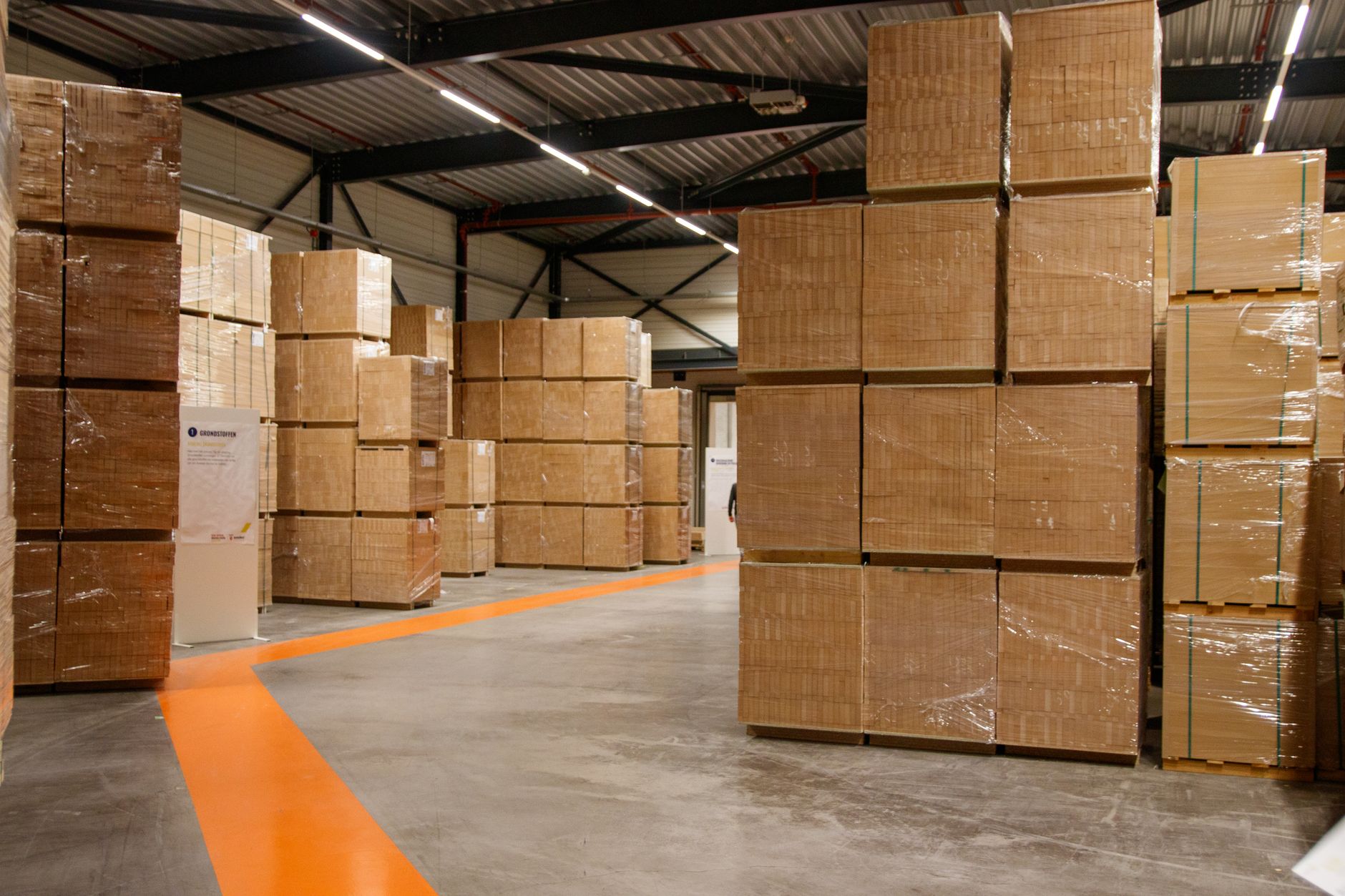
The cleanest approach is to keep the base map stable and put dock volatility into overlays. Walls, columns, chargers, and permanent pedestrian routes belong in the fixed layer. Trailer occupancy, door status, dock plate position, temporary pallet banks, forklift-only bursts, and blocked apron areas belong in changeable traffic layers that can be activated by rule.
Do not make every change a hand-drawn edit. Instead, create a library of named dock states that operators understand on sight. A robot should react differently to a closed bay, a caution bay, a trailer-pull risk, and an overflow staging event, but those differences should come from predefined policy, not last-minute improvisation.
- Bay closed: no AMR entry, no path planning through the door envelope, adjacent lane reduced speed.
- Trailer swap: human-only zone at the door, stop line farther back, mandatory reroute until the trailer is secured and the dock is reset.
- Forklift surge: temporary one-way flow or no-passing rule through the cross-aisle that feeds the dock.
- Overflow staging: geofence around temporary pallet stacks so robots do not squeeze through shrinking clearances.
- Surface hazard: exclusion zone for spills, broken wrap, loose dunnage, damaged dock plates, or floor damage until cleared.
Who owns each geofence decision?
Ownership has to be explicit. The current U.S. mobile robot use standard, ANSI/A3 R15.08-3-2026, emphasizes risk assessment, safe use, and management of change for both the robot application and the current operating environment. That is exactly the right frame for dock traffic controls. A geofence is not just a map edit. It is an operating change with safety consequences.
Most facilities do best with a tiered approval model. Routine templates can be activated by operations, but any new geometry, any change that reroutes pedestrians, or any long-duration closure should move up a level for safety review. If everyone can edit the dock, nobody owns the dock.
- Dock lead: starts a preapproved template for routine states such as trailer swap, overflow staging, or a blocked lane.
- Shift supervisor: confirms the reason, duration, and reopen condition, and owns the handoff if the condition continues past shift end.
- EHS or safety lead: approves nonroutine zones, pedestrian-route changes, and any exception that changes normal separation between people, forklifts, and robots.
- Fleet admin or integrator: maintains the template library, role permissions, audit trail, and rollback process.
How do workers see the change before a robot gets there?
A dock control that exists only in software will eventually be ignored. The floor has to display the same state the fleet manager displays. If the robot thinks Door 12 is closed but the dock crew sees a green light and open aisle, the system is training people not to trust it.
OSHA recommends painting dock edges to improve visibility and separating forklift and pedestrian traffic where possible. Apply the same principle to temporary AMR rules. Use obvious, repeated cues at eye level and wheel level so the changed condition is visible before a person or machine commits to the space.
- A named zone status on the supervisor tablet or HMI, including owner and expiry time.
- Stack lights or dock lights that match the traffic state at each affected bay.
- Projected or taped floor markings for temporary stop lines, caution rings, and pedestrian detours.
- Readable signs at aisle entries stating the rule, such as closed, reduced speed, forklift priority, or human escort only.
- A single state code shared across software, lights, and SOPs so shifts do not invent new names for the same condition.
What belongs in a shift handoff?
Shift handoff is where temporary controls usually decay. An active geofence that nobody reviews becomes a hidden permanent rule. An expired hazard that nobody clears becomes a ghost restriction that drains throughput and trains operators to bypass the process.
The fix is simple and strict. Every dock no-go zone should have an owner, a reason, a start time, an expiry time, and a positive reopen condition. Default to automatic expiry at shift end unless the incoming supervisor actively extends it. That forces a fresh look at the floor instead of letting yesterday's problem survive on the screen.
- Door or bay number and exact affected area.
- Why the zone was activated, such as trailer not secured, overflow staging, spill, or damaged equipment.
- Who activated it and who owns it now.
- What adjacent traffic rule changed, such as speed cap, one-way flow, stop line move, or reroute.
- What condition must be verified before reopening, and who can verify it.
How do you test map changes without stopping the dock?
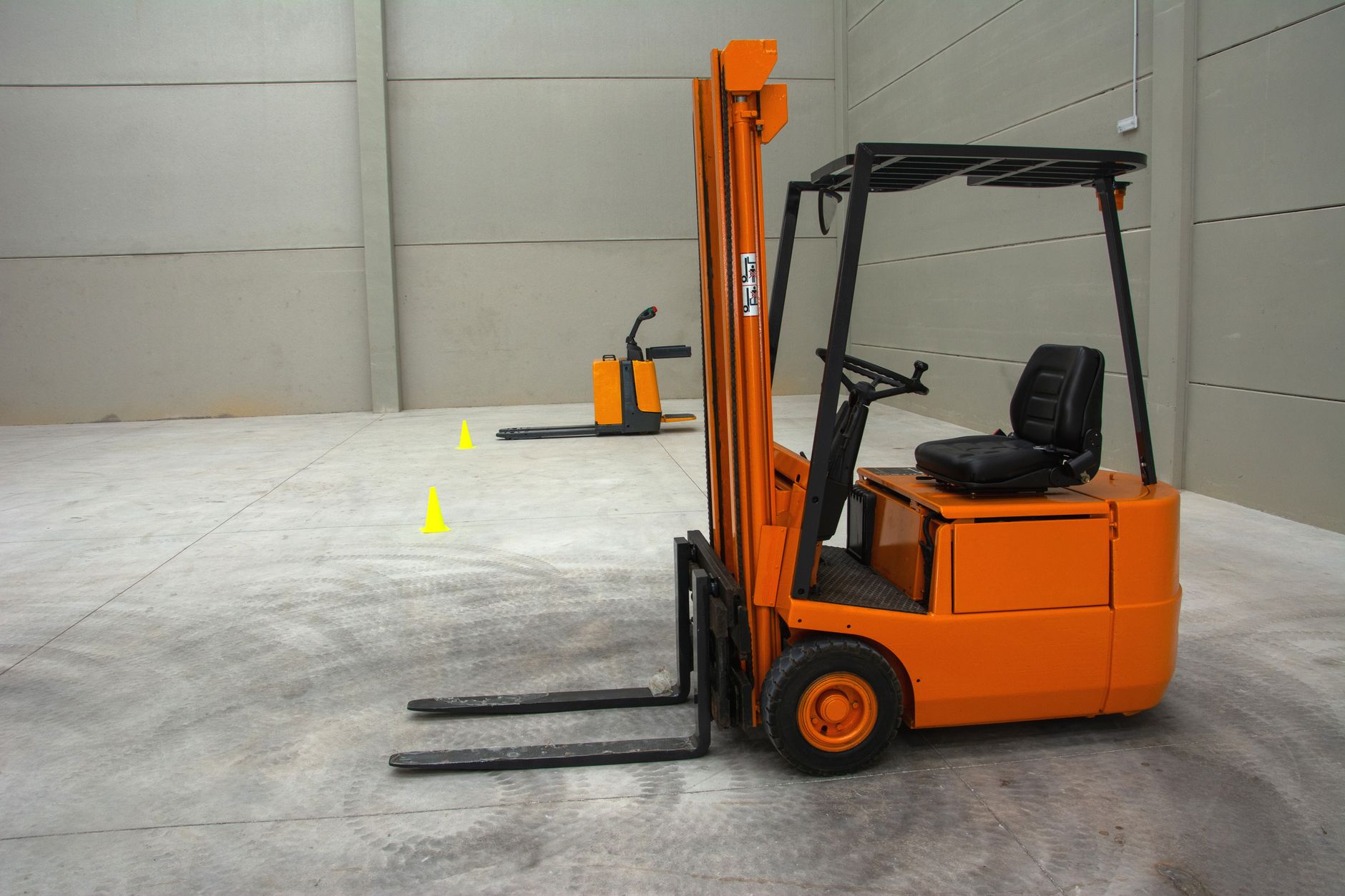
Test dock controls in layers. Start with a tabletop review on a current map image, then run a low-speed live trial on one door cluster with a spotter and defined success criteria. OSHA's powered industrial truck rule requires training on workplace conditions such as surface conditions, pedestrian traffic, narrow aisles, and other unique environmental conditions, and it calls for refresher training when workplace conditions change in a way that could affect safe operation. Dynamic dock rules belong inside that training discipline.
Documentation matters more now, not less. OSHA states that its updated National Emphasis Program on Warehousing and Distribution Center Operations began July 31, 2026. If a facility says it controls dock traffic dynamically, it should be able to show the rule set, the training record, the approval path, and the test results without hunting through emails.
- Tabletop review of each state on the map with operations, safety, and forklift leads.
- Low-speed live run with one or two robots and a spotter at the first affected bay.
- Edge-case checks for trailer arrival, trailer pull-away, pallet spillover, blind-corner forklift traffic, and blocked pedestrian routes.
- Failure tests for lost connectivity, scanner faults, stale zone timers, and mistaken activation.
- A signed acceptance record that states when the rule can be used in production and who owns future edits.
What must an emergency override actually do?
Emergency override needs two layers. The first is immediate and local, meant to stop movement now. The second is area-based and supervisory, meant to hold all robot traffic into a dock cluster until a human deliberately reopens it. If the only emergency control is a single robot stop button, the rest of the fleet can still drift into a problem area.
Recovery should be slower than stopping. OSHA's loading-facility guidance makes clear that workers should not board a trailer unless it is properly secured or restricted from movement prior to boarding. The same mindset applies to reopening robot traffic. After a stop, confirm trailer securement, dockboard position, floor condition, pedestrian clearance, and visual status before the bay returns to service.
- Local e-stop or stop command that halts the nearest robot immediately.
- Dock-cluster hold that prevents new robot entries into the affected zone.
- A visible alarm state so people know the area is under override, not merely delayed.
- A reset checklist that requires named human signoff before reopening.
- A post-event log so repeated override causes can be fixed at the process level.
Where an integrator earns its keep
Dynamic dock controls are easier when one party owns map governance, permissions, testing, training, and field service instead of scattering those tasks across operations, IT, safety, and several robot vendors. Facilities often discover this during an autonomous mobile robot lease, an AMR lease pilot, or an early material handling robot lease program. The hard part is rarely drawing a polygon. The hard part is making the dock crew, the rules engine, and the mixed fleet behave like one operating system.
Service Robot Co. fits that part of the job naturally. The company is an OEM-neutral, full-service commercial robot integrator for U.S. businesses that can finance, deploy, integrate, train, and service every unit through a nationwide U.S. engineer network. For companies evaluating robot fleet management, site assessment mapping, turnkey robot deployment, or a vendor neutral robot integrator for warehouses, the practical value is plain: one vendor for the full lifecycle, one traffic policy across brands, and one number to call when the dock changes again next week.