
How we deploy
From first conversation to a working system.
We assess the job, design the system, prove it on site, deploy it, train the team, and support it for the life of the operation.
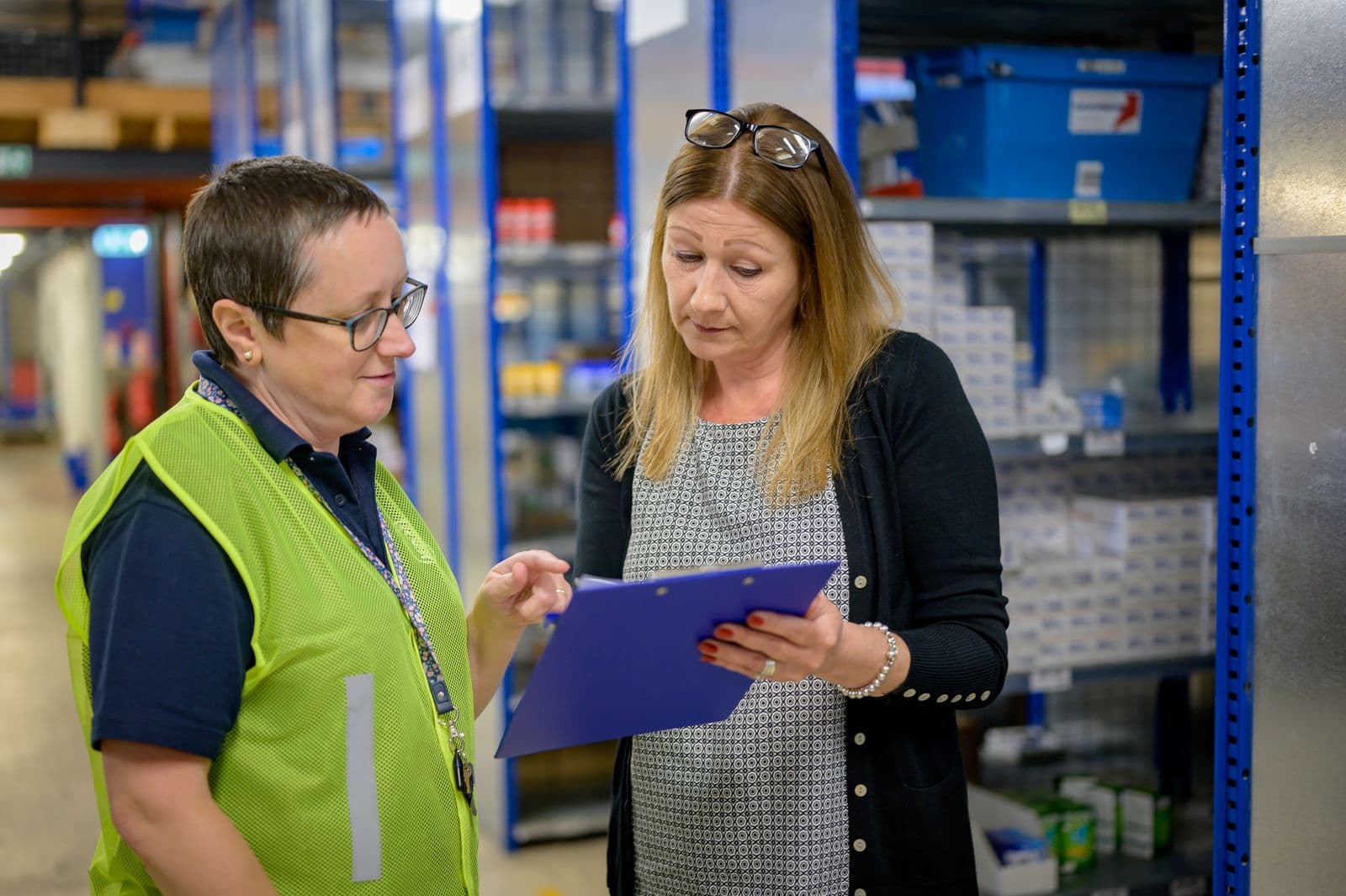
01 - Assess the work
We walk the site, understand the workflow, and define what success means before selecting equipment.
Every deployment starts with a conversation about the job, not the product. We visit the site, observe the operation, identify constraints, and agree on measurable outcomes before anything else moves forward.

02 - Design the system
We select the right mix of equipment, software, integrations, data architecture, and support for the job.
The system design accounts for the physical environment, existing infrastructure, data requirements, operator workflows, and long-term service. Equipment is chosen for the deployment, not the other way around.
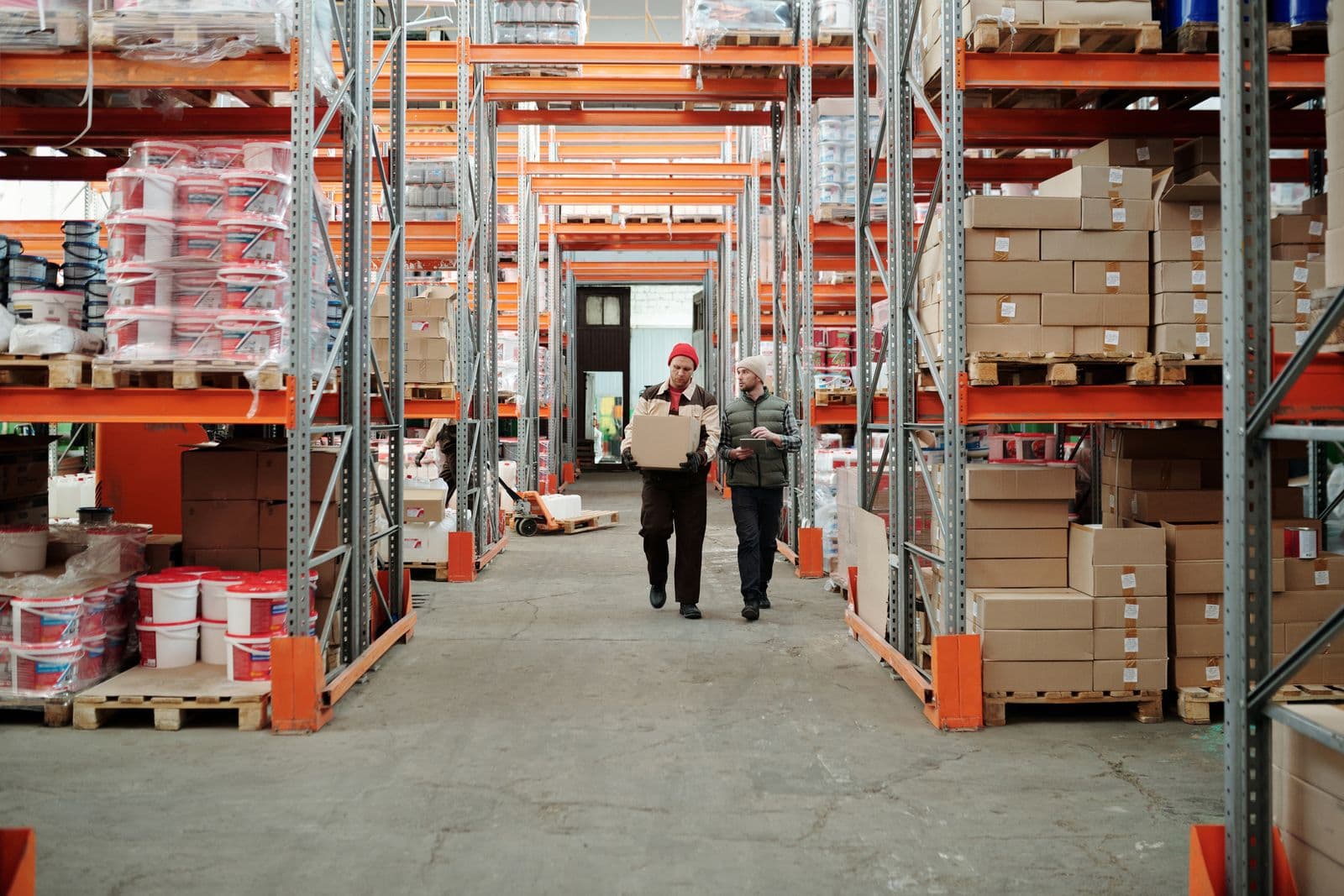
03 - Prove it on site
We run a bounded pilot against agreed operating conditions and measurable outcomes.
Before full deployment, the system runs in a controlled scope with clear metrics. The pilot is designed to answer whether the system works in this environment, not whether the technology works in general.

04 - Deploy and integrate
We commission the system, connect it to the surrounding operation, and phase the rollout around the live site.
Installation happens around the existing operation. The system connects to building infrastructure, network, access controls, and any surrounding software. The site keeps running while the new system comes online.
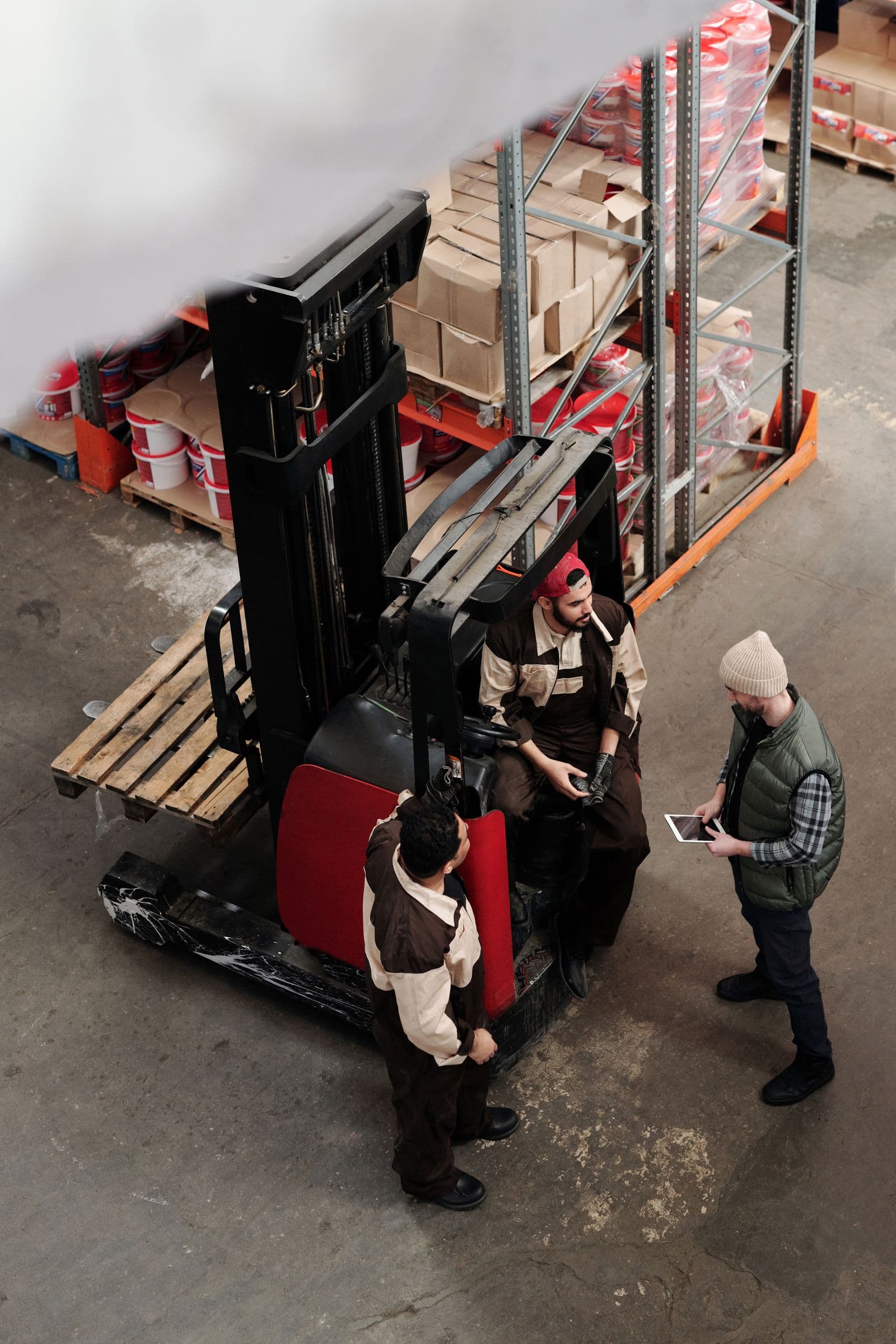
05 - Train the team
Operators and administrators receive the procedures, documentation, and hands-on training needed to own the system.
Training covers daily operation, administrator controls, troubleshooting procedures, and documentation. The goal is a team that can run the system confidently without depending on us for every question.
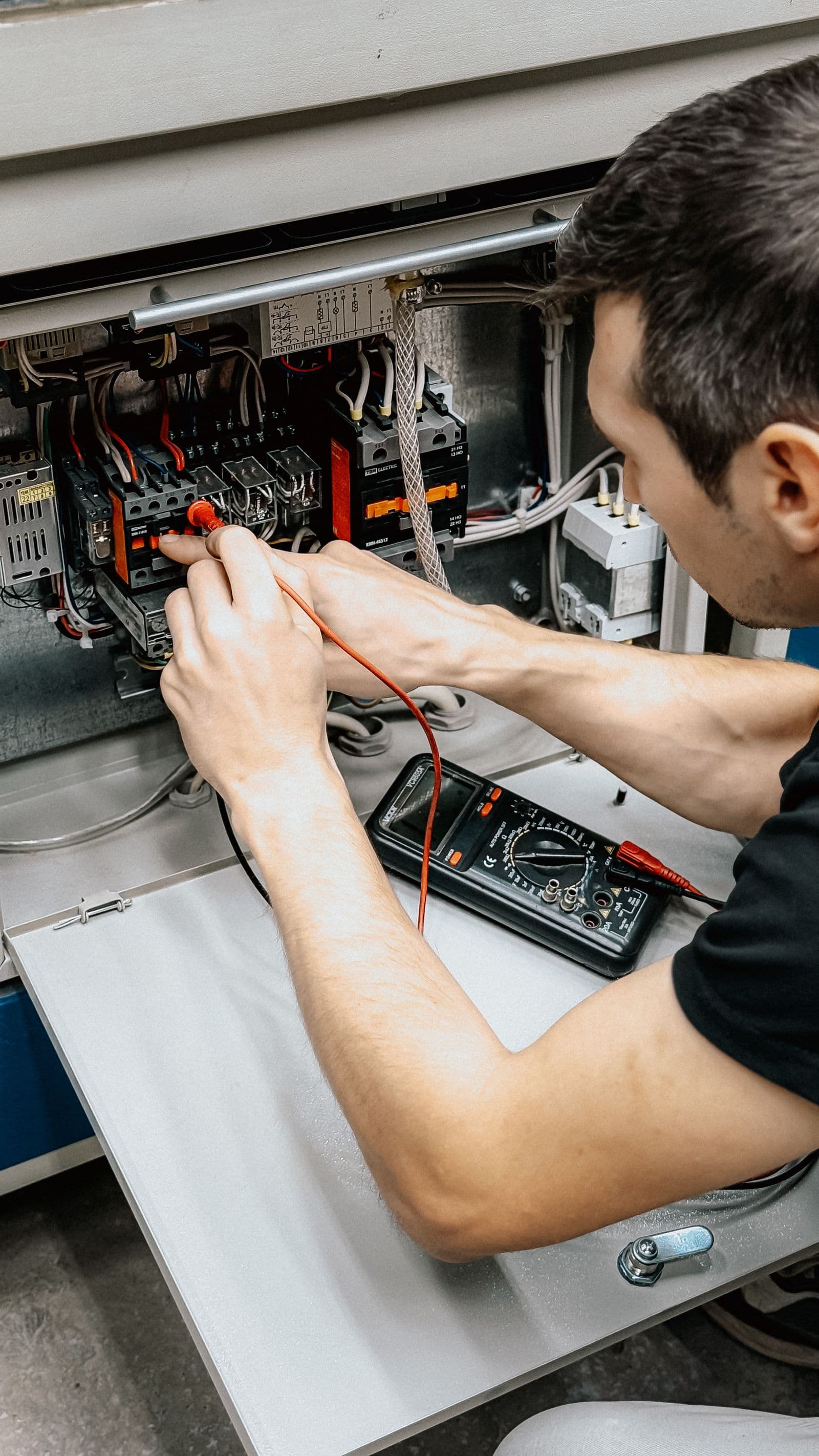
06 - Support the operation
We stay responsible for troubleshooting, maintenance, escalation, updates, and ongoing performance.
After deployment, the system is not handed off and forgotten. Remote monitoring, scheduled maintenance, field service, software updates, and escalation support continue for the life of the operation.

Mobile app
See your robots working. Get help in minutes.



Accountability
One accountable deployment partner.
The customer keeps control of the outcome and the operating decisions. We take responsibility for everything needed to make the system work.
| The customer owns | Service Robot Co. owns |
|---|---|
| The operating outcome | System design and deployment |
| Internal policy and approval | Integration and commissioning |
| Named operators and administrators | Training and documentation |
| Final operating decisions | Support and escalation |
Start with the site and the work.
Tell us about the operation. We will walk the site, scope the system, and tell you what fits before you commit.
Find the robot that fits your site.
Free site assessment. We tell you what actually works before you spend a dollar.