
Key takeaways
- Timecards and mower logs measure different things, so reconcile them on purpose.
- Pass counts show coverage, not labor hours.
- Match every run to a shift window before totaling anything.
- Keep unattended machine time separate from attended crew time.
- Reconcile weekly during a pilot, then monthly, before each budget cycle.
Why do mower logs and timecards disagree after dark?
A robot mower that works overnight keeps its own history. It records power-up, zone starts, completed passes, pauses for obstacles, charging trips, faults and shutdown. Crew timecards record something else: when a person clocked in, what job they worked, and when they left. Both records can be accurate and still produce two different hour totals.
The fix is not to trust one record over the other. Put the machine log and the timecards on the same clock, assign each run to the shift it belongs to, and keep unattended machine time apart from paid crew time. Done in that order, the labor figures that reach the budget meeting can answer a hard question without a scramble.
The method below needs nothing more than an export from the robot's software, a timecard report and a spreadsheet. A superintendent can run it in an afternoon, then repeat it on a schedule.
What does each record actually measure?
The mower log is a machine record. It shows when the unit started and stopped, which zones it covered, how many passes it finished, when it paused, and which faults it raised. Every event carries a timestamp from the controller, so the log is only as useful as that clock's time zone and accuracy.
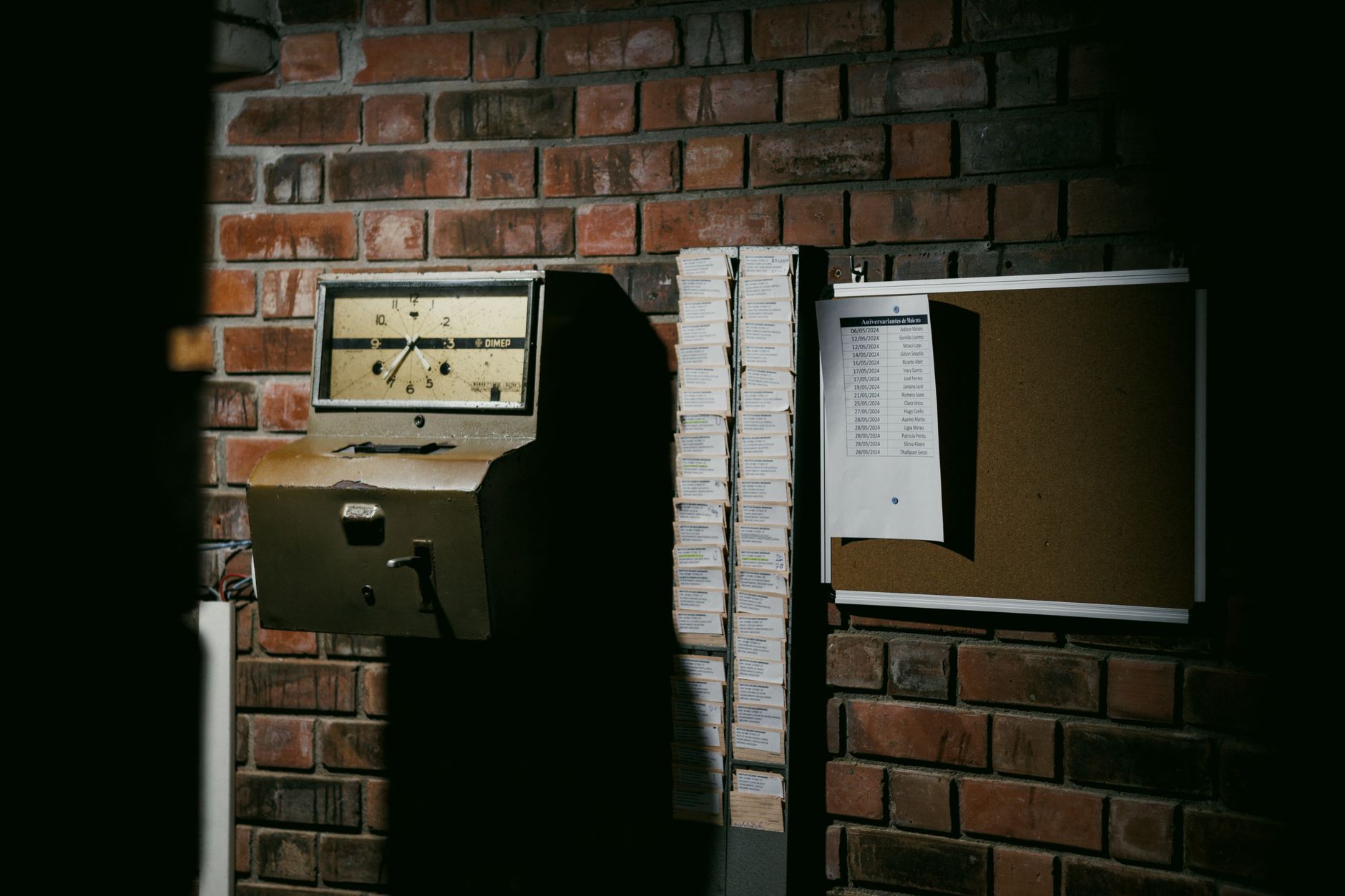
The timecard is a people record. It shows who clocked in, when they clocked out and, in many systems, the job code. It says nothing about what the mower did while the building was locked and the crew was home.
Four habits account for most of the gap between the two totals:
- A run that starts late in the evening can be filed under the next morning when the export is sorted by date alone.
- The controller clock and the payroll system may not share a time zone or a daylight saving setting, so the same event lands an hour apart.
- A crew member restarts a paused mower, then clocks out before the run ends, leaving the machine's time with nobody on the sheet.
- A supervisor logs a full shift as attended while the mower ran unattended for most of it.
How do you line up the two timelines?
Export the run log with full timestamps, not just dates, and note the time zone the export uses. Pull the timecards for the same period with clock-in and clock-out times to the minute. Put both into one workbook with a single time zone, and convert anything that does not match before comparing a single night.
Check the controller clock against an event someone watched, such as a run a crew member started by hand. If the two disagree, record the drift and apply it to every export before trusting the numbers. A clock that runs a few minutes fast will quietly move runs into the wrong shift.
Next, define a shift window for each crew. A window runs from the first clock-in to the last clock-out, plus a short grace margin for early setup and late cleanup. Choose the margin once, write it down and apply it to every night, so nobody adjusts it to fit a result.
Then assign each run to a window by its start time. A run that starts inside a window belongs to that shift, even if it keeps running after the crew has gone home. A run that starts outside every window is unattended by definition.
What should you do with runs that fall outside a shift?

Runs outside every window are not automatically errors. A scheduled overnight run with nobody on site is the normal case a robot is deployed to handle. Tag it unattended, keep it out of crew hours and count it in coverage and machine time.
Some runs need a closer look. A restart during a shift, or a run that resumed after a crew member came back, is supervised time. Tag it as attended and tie it to the person who logged it, so the hours trace back to someone who can confirm them.
A run that stopped on a fault with no matching timecard is a question for the crew lead, not a number to plug into a blank cell. Record the fault, the time and the response, then leave the labor cell empty until the lead explains it. An honest blank is easier to defend than an invented total.
Why passes are not labor hours
A pass count shows how much ground the machine covered. It does not show how long a person spent. Two runs with the same pass count can differ widely in crew time, since one ran untouched while the other needed a restart, a reroute and a cleanup walk.
For labor, measure attended intervals only: from the moment a crew member started or resumed a run until that person stopped attending it. Those intervals should sit inside a clocked shift and trace back to a named employee. Everything else belongs in machine hours.
Keep the two totals on separate lines in the budget. Merging them hides the question finance will ask, namely how much of the crew's day went to attended machine work and how much went to edging, clippings and cut-quality checks that no robot performs.
What should a reconciled sheet show before the meeting?
A workable sheet holds one row per run and one row per timecard entry. Each run row carries its start, stop, pass count, tag and matched shift. Each timecard row carries clock times and paid hours. A night reconciles when attended minutes plus unattended minutes match the machine's recorded run time, and attended minutes fall inside paid minutes.
Set a variance threshold before the first review and flag every night that misses it. The threshold is a judgment call. What matters is that it was fixed in advance and applied to every night in the review, so the sheet cannot be bent toward a tidy result.
Here is where Service Robot Co. fits. We are a full-service commercial robot integrator, so the team that surveys the site, integrates the unit, trains the crew and services it under RoboCare is the same team that answers a log gap. One partner and one number replace a chain of vendors when the question is why a run is missing from the record.
For budgeting, the machine side can be simpler. Commercial robot leasing through Service Robot Co. runs on a 3-year lease, with one fixed payment quoted after a site assessment. Keep that cost on its own line beside the crew hours, so the reconciled labor math compares like with like.

How often should you reconcile, and when is the method done?
In the first few weeks, reconcile every week and check several runs by hand against what the crew recalls and recorded. The first pass takes the longest because the windows, tags and time zone settings are new. Expect to revise the margin once or twice before it fits the way the crew actually works.
After the tags settle and the variances stay inside the threshold, a monthly review before each budget cycle is usually enough, with a quick check after any service visit or schedule change. The routine then becomes reviewing flagged nights rather than rebuilding the sheet.
Starting with one leased unit on one zone gives you a clean test of the method before the same sheet has to cover a fleet. Scale the sheet only after the reviews close without unexplained variances. That discipline is the difference between a labor number you can defend and one you can only hope is right.
Frequently asked questions
Want a robot working for you?
Tell us the job and the site. We will recommend the robot, quote the lease, and keep it serviced.