
Key takeaways
- Log engine hours, fuel and trailer trips per property, not per truck alone.
- Wear follows the property: slopes, tight turns and stop-start passes count most.
- Count trailer trips per visit so haul problems do not hide inside mowing totals.
- Compare crew and robot hours on the same open turf, in the same weeks, on the same measures.
- Keep a clean file of meter swaps, dated fuel and fixed acreage for clients and lenders.
Why log hours by property instead of by truck?
A truck's odometer records distance. It says almost nothing about which property caused the wear. A contractor who wants to know where equipment hours really go has to log engine hours, fuel and trailer trips against each property, then read those records side by side. The method is simple. The discipline is what makes it hold.
Logged that way, the numbers show which mowing hours carry the most wear per acre, which sites force extra trailer runs, and where a machine idles at a gate while fuel burns. A season of consistent entries answers most of those questions.
Then compare those property-level figures against autonomous cutting on open turf before you move crew hours or change equipment. The comparison only holds when both sides are measured the same way.
What belongs in each log entry?

Every entry should tie a reading to a place and a task. Keep the fields fixed, so entries from different crew members add together without translation.
Give idle time its own line. An engine running at a gate or during a load adds hours that never appear as cut acreage, and it is where property-level wear tends to blur into the fleet total.
- Date, property ID and client zone
- Equipment ID and operator name
- Engine meter reading at task start and task end
- Fuel added in gallons, with the fill date
- Trailer trips, with origin, destination and loaded or empty status
- Task type: mow, trim, blow, haul or idle
How do you turn raw readings into wear per property?
Subtract each start reading from its end reading, then sum by property and by task type. Divide engine hours by acres mowed, and divide fuel by engine hours, for each site. Those two ratios say more than totals, because a large property looks expensive simply by being large.
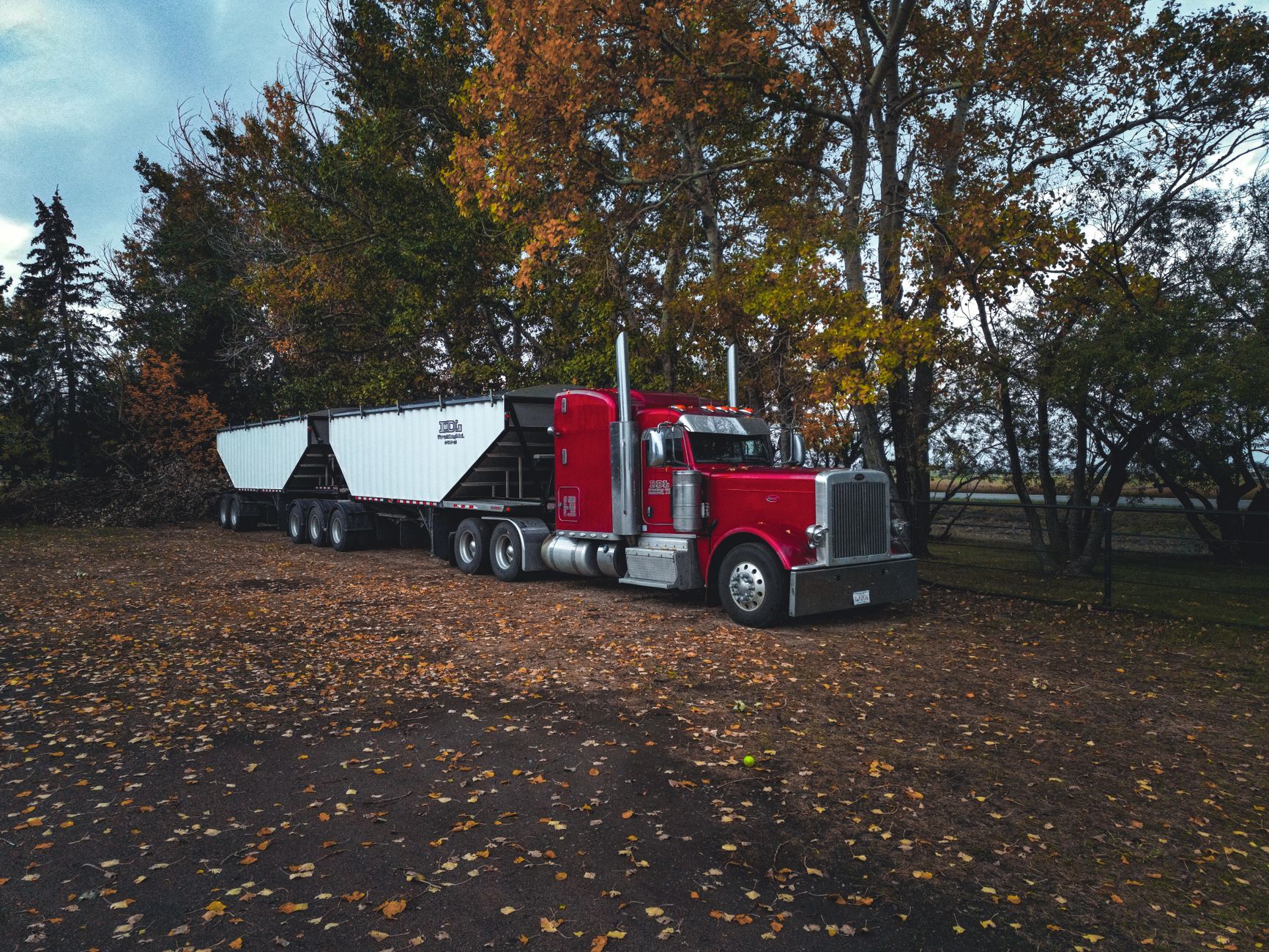
Count trailer trips per visit, not per week. A property that needs two hauls on every mowing day loads the truck and the operator differently from one that needs a single haul after a full cycle. Keep the two counts apart so the haul problem does not hide inside the mowing numbers.
Which mowing hours carry the most wear?
Wear is uneven across a day's work. Hours on slopes, in tight turns, on wet turf and in stop-start passes around beds and obstacles usually demand more engine effort and more deck engagement than long straight passes. The log shows this only if each task carries a property zone tag.
Rank properties on three measures: engine hours per acre, fuel per engine hour and trailer trips per visit. A site that ranks high on all three is a candidate for a route change, a different machine or a tighter service interval. A site high on one measure alone may simply carry heavy trim work or a long drive from the yard.
How do you compare crew hours with autonomous cutting on open turf?
Choose properties with open turf, simple perimeters and few obstacles. Those sites give autonomous cutting its clearest test. Run the crew and the robot on comparable areas over the same weeks, then record engine hours and fuel for the crew and runtime and coverage for the robot.
Measure the same thing on both sides. A robot logs its own runtime and charging, not fuel, so a fuel comparison is invalid unless you also record the crew's fuel for the same acreage. Compare on labor hours and engine hours per acre, and label every figure as measured or estimated.
Expect the trailer column to stay. Crews still haul trimmers, blowers and debris, and someone still has to check the robot, service it and move it between sites. Sloped, cluttered or heavily edged properties often keep crews in the picture, so for many contractors the honest result is a split, not a switch.
What records do clients and lenders ask for?

Clients usually want proof of work: dated visit records, the zones covered and any exceptions noted. Lenders and equipment financiers tend to focus on the asset itself, including identifiers, meter hours, maintenance history and condition. The exact list varies by client and lender, so request the checklist before you build the file.
Keep property logs in the same system as service records. Where equipment is financed, store the agreement terms beside the hour history so anyone reviewing the file sees one consistent picture.
Robots follow the same logic. Service Robot Co. leases robots through financing on a 3-year lease with one fixed lease payment quoted after a site assessment, and our engineers deploy and service units through a nationwide US network. We work OEM-neutral, so the lease, deployment and service records for different manufacturers can sit with one vendor.
Where does a property log go wrong?
The usual failures are small and add up. A meter gets swapped and the readings reset. One machine serves two properties on the same day and its hours get split by guesswork. Operators round fuel to the nearest container. Acreage is estimated from a map instead of measured once on the ground.
Fix these at the source. Record every meter swap as an event with both readings. Split shared-machine hours by the start and end readings at each site. Date every fuel receipt. Measure acreage once and hold it fixed until the boundary changes.
How often should you review the numbers?
Review trip patterns weekly, since a route change that adds one haul a day shows up quickly. Review hours per acre monthly, because weather and seasonal swings distort a single week. Keep the monthly review on one page, with the three ranked measures and any site that moved.
Frequently asked questions
Want a robot working for you?
Tell us the job and the site. We will recommend the robot, quote the lease, and keep it serviced.