Key takeaways
- Drive time is the cost clustering attacks, and crews often lose more of it than they expect.
- Stop density and sequence matter more than raw mileage when you build a mowing route.
- A robotic mower still needs a person at each stop for status checks, trimming and cleanup.
- Shaded sites and scattered properties cluster poorly, so screen for signal and access first.
- Test any vendor percentage against your own GPS logs before you change a route.
How much drive time can route clustering actually save?
Grouping nearby commercial lawns into one route shortens the hours a crew spends in a truck between stops. The gain depends on how close the stops sit to each other, and on how much work a robotic mower leaves for people at each one. Published figures are thin and most come from routing vendors, so treat any percentage as a claim to test rather than a result to book.
The useful question for an account manager is not whether drive time matters. It is how many hours your crews lose in transit now, and which property pairs make that loss worth attacking first. The sections below cover how to measure it, how robot setup shapes which sites can share a route, and which property mixes cluster more easily than others.
How much of a crew's day goes to driving?
Only one field example in our research pass measured this directly. A tree-care operation with two trucks showed, through GPS data, roughly four hours lost per crew on a 10-hour day, with almost 40% of the day gone before any work began, according to ArborTIMES (Summer 2026). The article calls that typical, but it describes one tree-care operation rather than mowing, so it is an anecdote, not a benchmark.
Other numbers in circulation are illustrations. A routing-software blog compares a crew spending 30% of the workday driving with one spending 15%, and it labels the comparison hypothetical. Industry writers call the hours spent driving between jobs windshield time, and that is the figure your logs should isolate.
What does clustering change on the route itself?
Clustering shortens the legs between stops. That means fewer empty miles, fewer trailer hookups and fewer mornings that begin with a long drive to the first lawn. The size of the effect depends on how far apart your stops sit today and whether the tighter route still fits the crew's start and end points.
Vendor figures put the potential higher. One routing vendor claims 20 to 35% cuts in total drive time against manual scheduling, and a landscaping case study reports 23% less drive time after route optimization. Both are vendor-reported and were not independently checked, so use them as a reason to run your own comparison, not as a forecast for your book.
How does robot setup change which sites can share a route?
Setup is the part dispatchers often miss. Wire-free mowers navigate with RTK corrections, which come from an on-site base station or from a manufacturer network service over Wi-Fi or 4G. One vendor guide cites accuracy at a few centimeters, though that figure is unverified. Boundary wires are fading in newer models, according to a CES 2026 guide from The Gadgeteer.
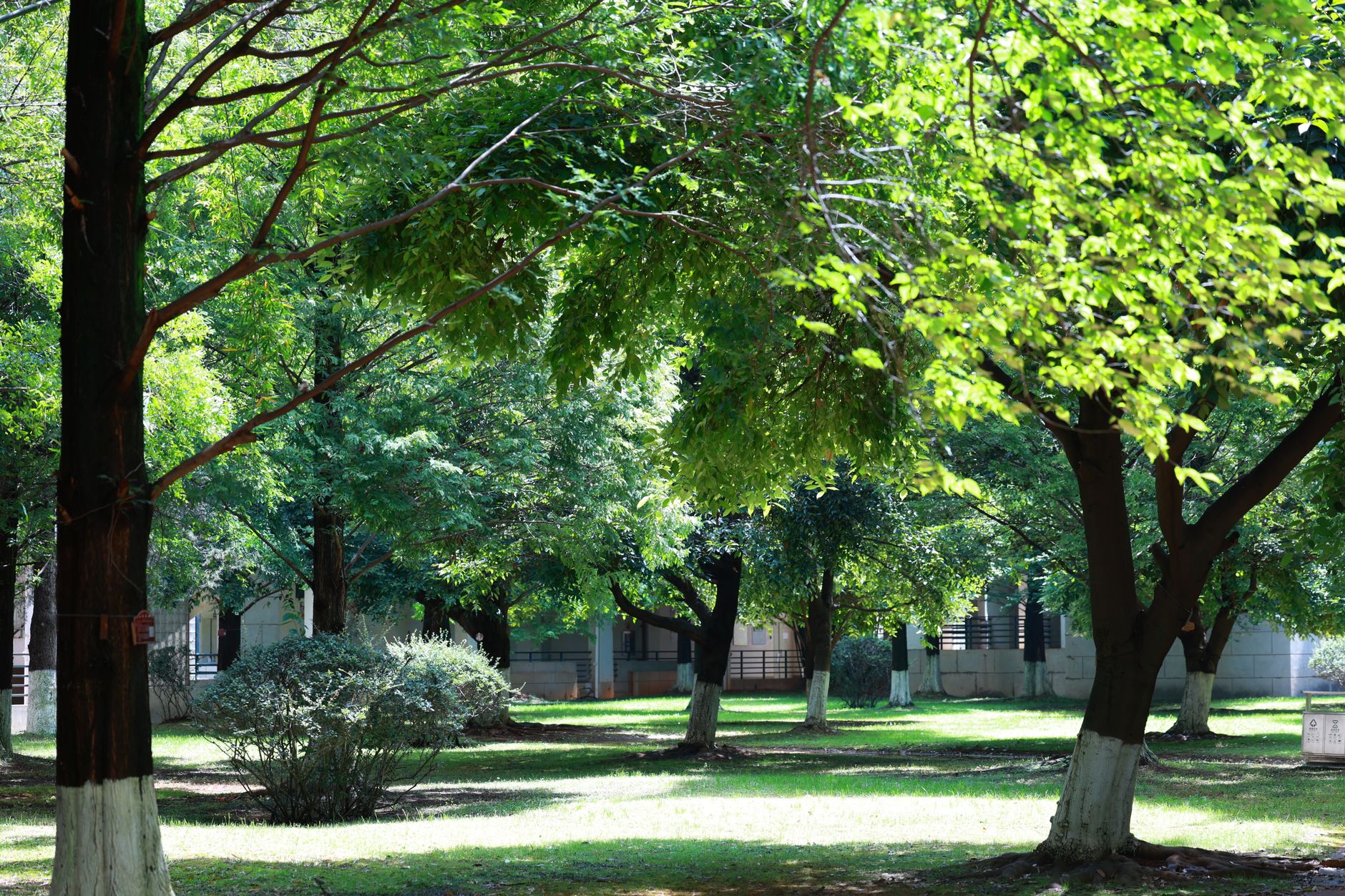
Signal is where clustering can backfire. Sites with trees, narrow side yards between a house and a fence, or heavy cloud cover can degrade RTK, and the mower typically pauses until the signal returns. Two sites that look alike on a map can still cost extra crew time if one sits under canopy. Moving the reference point after mapping also shifts every boundary, so any remap belongs in the dispatch plan.
What still needs a person at each site?
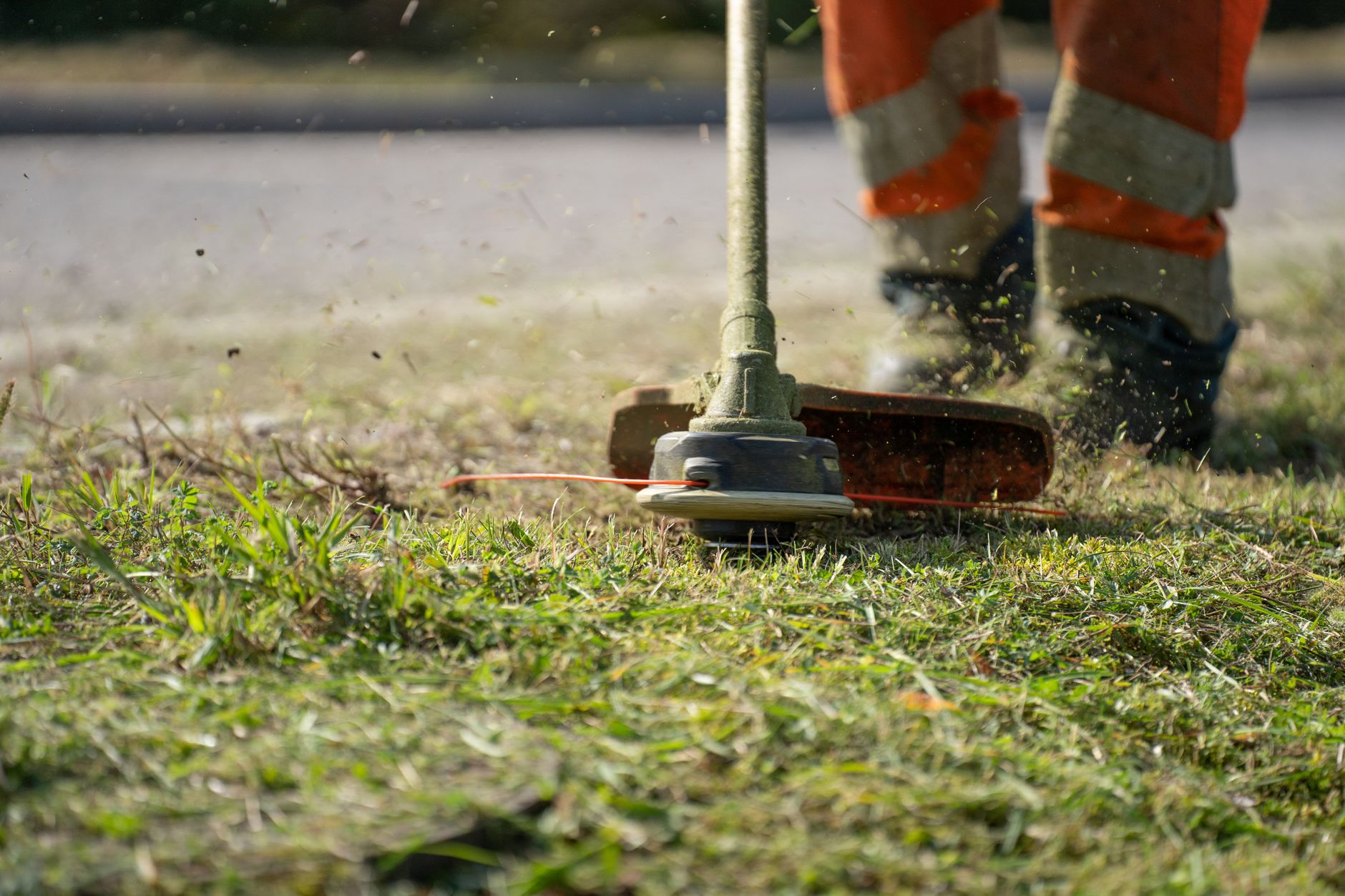
Robot mowing does not remove the visit. Edge work is the clearest case. One source says most robotic mowers leave a 5 to 10 cm strip along boundaries that needs hand trimming, budgeted at 15 to 30 minutes per week. That figure comes from a residential context, so measure edges on commercial frontage before you copy it into a route.
Our research did not find crew supervision ratios, staffing per robot, or commercial route-density data for mowing contracts, so no ratio appears here. A clustered route still has to fit a mower status check, a trim pass and cleanup at every stop. Put those minutes into the route model, or the clustering saving will be spent on hand work the model ignored.
Which property mixes cluster easily, and which resist?
This section is judgment drawn from the setup constraints above, not measured data. Contiguous groups cluster best. Office parks, strip centers and multi-building campuses in one corridor share a short drive, similar open turf, and often a single contact for gate access. Several sites within a few miles on the same arterial give the planner the most room.
Mixes that resist include scattered sites across a wide service area, properties under heavy tree cover where RTK signal is unreliable, and sites with timed gate access or steep slopes that need a manual pass. A shaded site can still sit on a route with open sites if its hand-led cutting is scheduled into a set window. Write those hold times into the plan rather than assuming them.
Where Service Robot Co. fits in the route plan
Service Robot Co. leases robots through financing on a 3-year lease, with one fixed quote given after a site assessment. During that assessment our team maps each property, which is when signal conditions and edge zones get recorded for the route plan. We then deploy, integrate and train crews, and service each unit under RoboCare, our service plan, through regional service engineers.
How do you audit your routes before changing them?
Start from the logs you already keep. Aspire's onsite time playbook tracks onsite time per job, and pairing that with GPS drive data shows the gap between where the truck travels and where the work happens. Run the audit in this order.
A route change that survives the fourth step is worth a pilot period. Anything else is a proposal built on someone else's percentage.
- Pull GPS drive legs for a full month and tag each leg by origin and destination property.
- Separate robot check, trim and cleanup minutes from mowing minutes at each stop.
- Rank property pairs by the drive minutes between them, shortest first.
- Test the top three clusters against signal conditions before proposing any route change.
Frequently asked questions
Want a robot working for you?
Tell us the job and the site. We will recommend the robot, quote the lease, and keep it serviced.
Sources
- ArborTIMES, Summer 2026 issue (tree-care drive time anecdote)
- FieldProxy blog: eliminating route inefficiency in landscaping operations
- landscapedesk GreenScape Pro case study
- SmartService: landscape routing software blog
- The Gadgeteer: best robotic mowers of CES 2026
- RTKdata: wire-free robot mower RTK accuracy guide 2026
- Timeero: windshield time
- Aspire: Onsite Time Playbook