Key takeaways
- A run log answers three questions: what was cleaned, when it was cleaned, and what was left undone.
- Each entry needs the zone, the robot, the outcome and the initials of whoever cleared the exception notes.
- Spills get a separate flag so a wet floor sign goes out in minutes, not at the next review.
- A route blocked on several days points to a setup habit, and the fix is a clearance rule.
- Keep entries short enough that staff will fill them in during a busy lunch service.
What should a clubhouse run log answer?
A clubhouse run log answers three plain questions: which floor was covered, when the run happened, and whether it finished. Everything else is detail in service of those answers. For a golf club, the log is also the record that lets a pro shop lead or a food and beverage manager trust a floor before a member walks across it.
The log does not replace a walk through. It tells the next person on shift what the robot did while nobody was watching, and it gives the general manager something concrete to read when a member mentions a sticky patch near the grill room door.
Which fields belong on every run entry?
Keep each entry to a single line or a short form. Any field that does not change the next shift's decision can go.
- Date, start time and end time, copied from the robot's own run record if the software exports one
- Robot name and the zone or route ID it ran, using the same labels as your floor map
- Outcome: completed, paused, stopped by a person, or skipped
- Exception notes for spills, obstacles and blocked routes, with a short location
- Initials of the person who checked the exception notes at the end of the shift
Who reviews the log, and when?
Assign reviewers by space, not by job title. The pro shop lead takes charge of the lobby, pro shop and locker room entries. The food and beverage lead takes the grill room and dining entries, and the general manager reads a weekly summary rather than every line.
Review at shift handoff, while the person coming on can still ask what happened on the last shift. A log that waits until Friday tells you about last week, which does nothing for the member who found a wet tile on Tuesday.

How do you flag a spill without stopping the clubhouse?
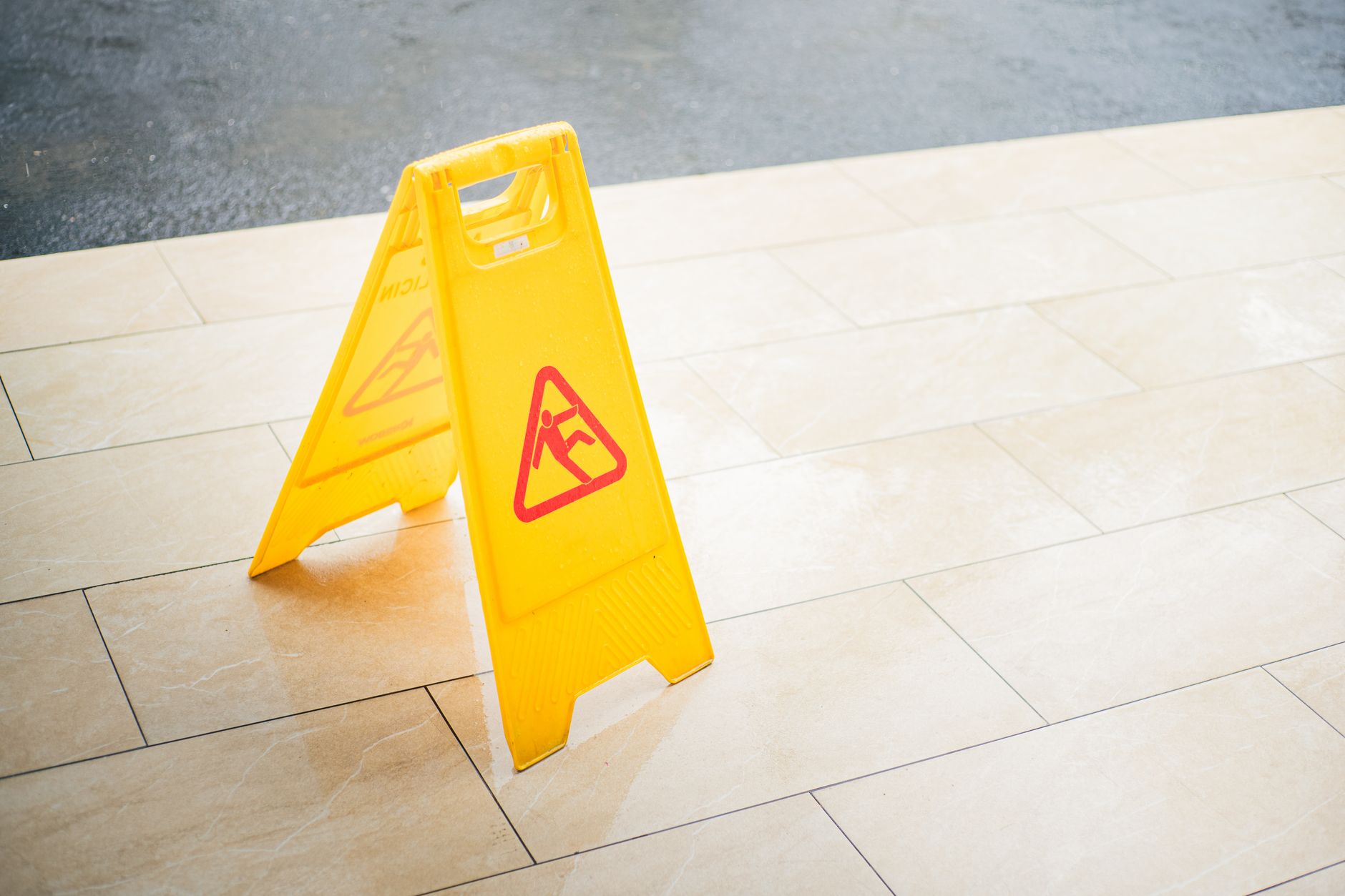
A spill is different from a routine exception, so give it its own flag. Staff should be able to mark the zone, the time and where the sign or cone went in under a minute, and the flag should reach whoever is closest to the spill rather than sitting in the general manager's inbox.
Record who cleared the spill, what they used, and whether the robot was sent back over the area afterward. That last field matters, because a machine that runs across a wet patch can smear it, so the log should show the zone was dried before the next run.
What happens when a route is blocked?
Blocked routes are a common reason a run ends early in a busy clubhouse: a stack of banquet chairs, a cart parked by the bag room, or a member's golf bag standing in a doorway. Log the obstacle type, the location, the time, and the result, skipped or restarted.
Watch for repeats. One blocked run is an event. The same doorway stopping the robot on several days points to a standing setup habit, and the fix is a clearance rule or a changed route, not another line in the log.
Paper, tablet or the robot's own record?
Most clubs will use a mix. The robot's record gives timestamps nobody had to type, but it cannot explain why a staff member moved a chair. A shared tablet at the bag room or the grill room lets staff add that context on the spot. Check what your robot's software exports before you design the form, so you are not typing what the machine already records.
Paper survives a dead wireless signal in a lower level locker room, and it is easy to post by the mop closet. Pick the format that gets filled in during service, because a perfect digital form nobody opens is worth less than a clipboard that is always there.
Where Service Robot Co. fits in the logging routine
Service Robot Co. leases clubhouse and locker room floor robots through financing on a three year lease, with one fixed lease quote issued after a site assessment. During that visit we map the clubhouse routes, note where chairs and carts tend to collect, and confirm which run records the unit can export, so the log you design matches what the robot actually produces.
After go live, our RoboCare service plan covers deployment, training for the staff who review the log, and on site dispatch from regional service engineers when a route keeps failing. The robot and the questions that follow from its log sit with one team.
How often should the whole log get a look?
Put a weekly review on the calendar for the general manager and the two leads together. Use it to look at repeated blocks, spill clusters and skipped runs, and to decide whether a route needs a new time window or a new clearance rule.
Over a season, the log becomes the record a board or a members' committee will ask for. Keep the columns the same from the first week, because a log that changes shape mid year is hard to compare.
Frequently asked questions
Want a robot working for you?
Tell us the job and the site. We will recommend the robot, quote the lease, and keep it serviced.