Key takeaways
- Confirm RTK Fixed before a robot mower starts near hazards, not after the first wander.
- Compare no-go zones against the last site walk, because a map that drifted from the site is a map problem.
- Note every planned stop and hold before the mower rolls, and give each one a cause.
- Keep wider buffers around pools, roads and drops, since position jumps can happen even on good systems.
- Log start and stop times, signal state, holds and alerts so account managers can answer client questions.
What does the crew lead check before the mower leaves the shed?
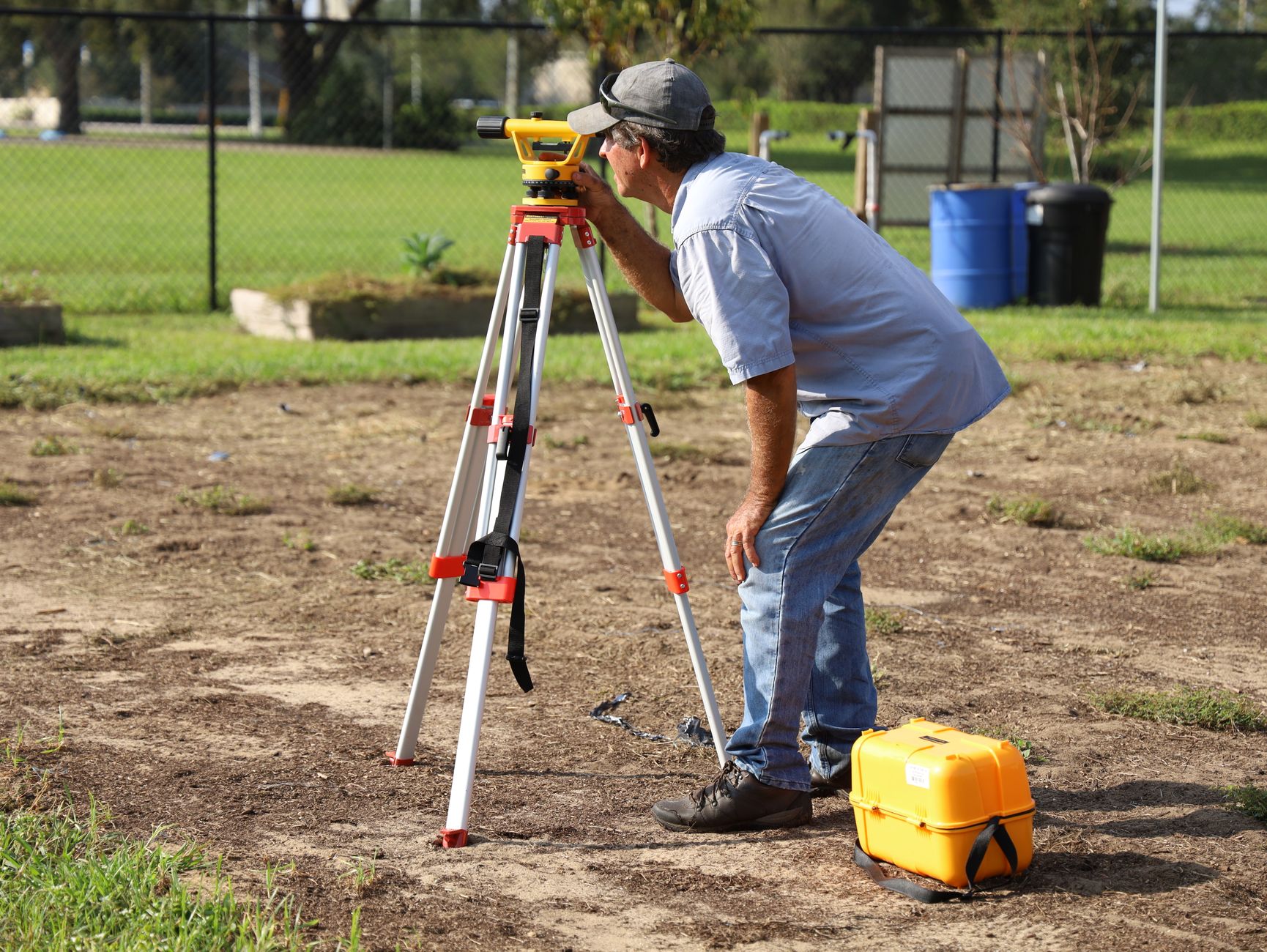
A robot mowing day runs on a short pre-pass routine, and the crew lead runs it. Five checks come before the mower rolls: the map matches the site, debris is off the route, no-go zones are in place, the satellite signal reads as a stable fix, and the supervisor knows where to stand. Planned stops get written down now, not discovered during the pass.
We did not find a manufacturer-neutral pre-mow checklist in public sources. The steps below draw on vendor troubleshooting material and on operating practice, and vendor claims are marked as vendor-reported.
Does the map still match the site?
Wire-free RTK mowers set their no-go and mowing zones in a mobile app, and a map edit made last week is easy to forget. Before each pass, compare the zone outlines with your last site walk. A new bed, a moved sprinkler head or a fresh mulch pile inside a mowing zone is a map problem, and it should be fixed before release, not logged after the mower wanders into it.
Work through the map in the same order every day, so a missed zone stands out.
How do you clear the route without losing a morning?
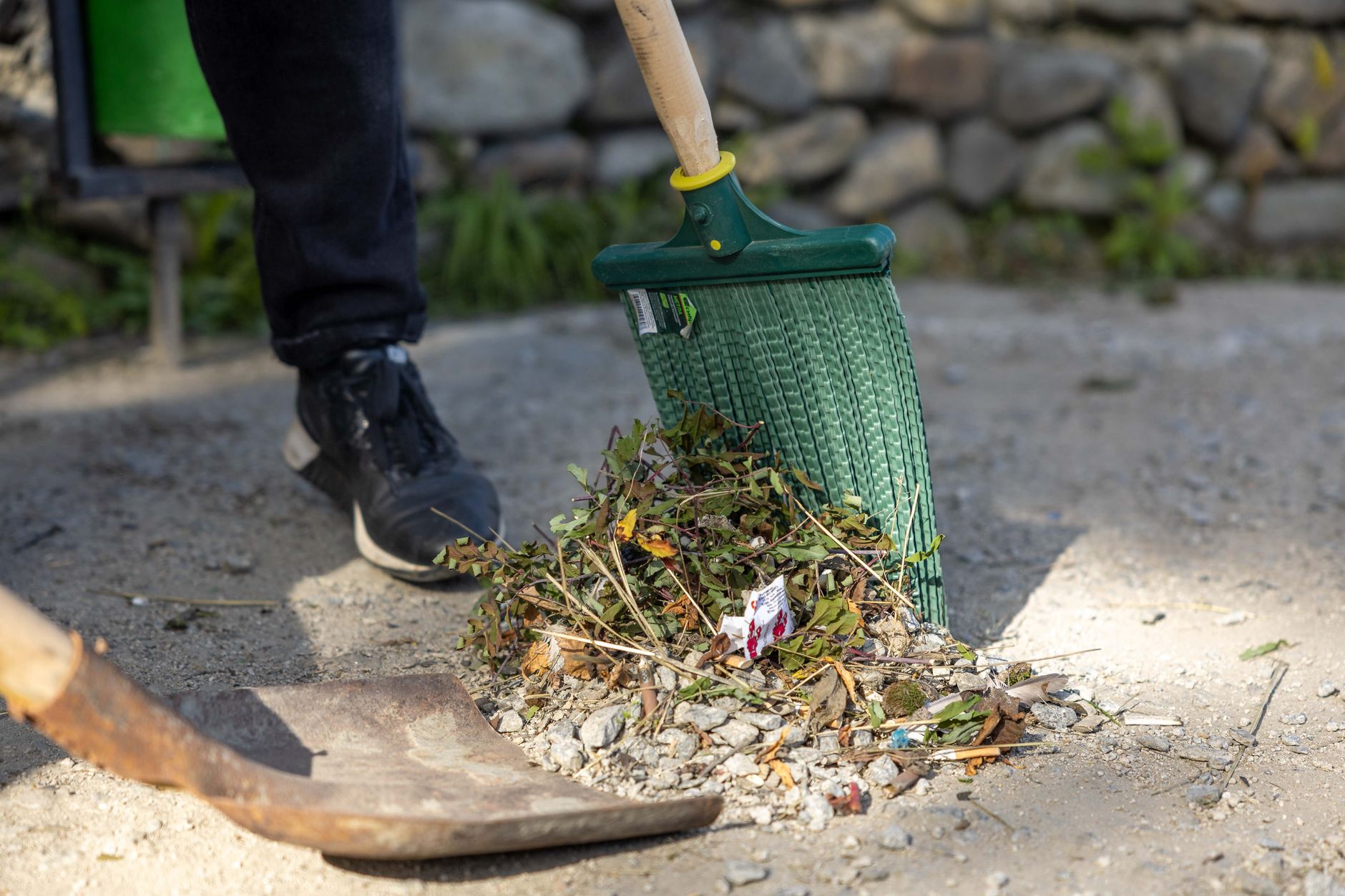
Walk the route ahead of the mower. Pick up sticks, hoses, toys and cones, and look for low branches that could snag the unit or a dropped sprinkler head. Keep the walk short and the same each day. A walk that is skipped on a busy Monday is often the reason a pass stalls on Tuesday.
How do you confirm a satellite fix before starting?
Confirm that GPS shows RTK Fixed before starting a session near hazards. A Navimow troubleshooting guide says a drop from fix to float can show up as hesitation at boundaries, wobbly paths, missed strips and out-of-bounds moves. The same guide advises against leaving the mower running unattended if GPS is consistently unreliable (vendor-reported, checked this run).
Check the sky as well as the readout. The guide says RTK accuracy depends heavily on reference station placement, and it lists a solid station LED and a clear sky view as checks. Trees and buildings near the lawn can block a fix, and depending on fail-safe logic the mower may slow, pause or wander. A buying guide published on KDH News adds that metal roofing or solar panels near the reference station can cause multipath errors. The same guide calls centimeter accuracy a best-case figure in open sky with stable corrections, not a guarantee beside buildings or under foliage (vendor-reported).
Where should the supervisor stand?
The supervisor's position matters as much as the mower's. Choose a spot with a clear view of the route, a line of sight to the stop control or the app, and a walking path to the nearest hazard that stays out of the mowing zone. Write the spot on the checklist, so the next crew lead stands in the same place and the log stays consistent.
Remote views help too. Husqvarna Fleet Services is described as offering remote management, control and monitoring of commercial robotic mowers (vendor-reported). A dashboard can surface an alert, but it cannot walk to a mower that has stopped near a drop, so a person still has to be able to reach the unit.
Which stops and buffers belong on the checklist?
Record each planned stop before the mower starts: a client walk-through, a delivery truck, a crew crossing, a tree trimming job. Set buffers at the same time. The Navimow guide recommends larger buffers around pools, roads and drops, because occasional position jumps can happen even on good systems (vendor-reported).
Uncut lawn at a buffer is easy to explain to a client. A jump at a drop is not.
What should the crew log after each pass?
Account managers answer client questions from the log, so write it while the details are fresh. We did not find a public per-run log template from a vendor. The fields below come from operating practice, not from a cited standard. Vendor platforms supply some of the same data, so match your entries to what the platform reports.
NavimowFleet describes real-time visibility and control over each mower, role-based permissions, and alerts including a mower-lifted alarm and a geofence alarm (vendor-reported). Scythe's M.52 platform is a web application for administrators with usage insights and real-time reporting (vendor page).
- Start and stop times, with the zone or zones mowed
- Satellite state at start, and any drop from fix to float with its time
- Each hold or stop, its cause, and who released it
- Alerts raised by the app, such as a lifted-mower or geofence alarm
- Debris or obstacles found on the route, and what was cleared
- Edge or boundary issues seen by the supervisor, with a photo reference
- Any sky or signal problem near the reference station or under foliage

How does Service Robot Co. back the checklist?
Service Robot Co. leases commercial robots through financing on a 3-year lease, with one fixed lease payment quoted after a site assessment. We deploy, integrate, train and service each unit under RoboCare, backed by regional service engineers in every state we service. One vendor covers the whole lifecycle, so the crew lead has one number to call when a unit fails mid-pass.
A clear log shortens that call. Name the zone, the time, the signal state and the alert, and the service team starts with facts instead of guesses.
Frequently asked questions
Want a robot working for you?
Tell us the job and the site. We will recommend the robot, quote the lease, and keep it serviced.
Sources
- Navimow Academy: How to Resolve Poor Positioning Preventing Scheduled Mowing
- KDH News: GPS vs RTK Robot Mowers, Key Differences and Practical Buying Guide 2026
- Green Industry Pros: Scythe Unveils M.52 Fleet Management Platform and Scythe Mobile App
- Husqvarna Fleet Services for Robotics
- NavimowFleet Commercial Mower Management