Key takeaways
- Every public robot needs a small vocabulary of signals for stop, turn, yield, fault, and help that staff and visitors can learn in one walkthrough.
- ANSI/CAN/UL 3300:2024 expects audible and visual indicators so vulnerable people can notice a robot and its path.
- Match signal volume and brightness to the room: arenas need different cues than quiet clinics.
- Physical signage and floor markings still matter when phones are out, music is loud, or languages mix.
- Pilot signals with real visitors before you scale rental or lease fleets across sites.
What should a robot signal before it moves?
Busy public spaces punish vague behavior. A delivery robot, patrol unit, or autonomous scrubber that glides without warning feels like it snuck up on you. The fix is not more technology for its own sake. It is a short, repeatable signal language that tells people what the machine will do next.
Start with presence. Before acceleration, the robot should show that it is awake and about to move. A steady forward light color, a soft directional tone, or a display icon for forward travel all work if they stay consistent across your fleet. Stopping should look and sound different from turning. Yielding at a cross aisle should be different again.
ANSI/CAN/UL 3300:2024, the safety standard for service, communication, information, education, and entertainment robots first published in May 2024, calls for audible and visual indicators that help vulnerable people notice the robot and understand its path. That is a useful floor, not a marketing line. Treat it as the minimum public signal kit you document before go live.
How do lights and displays divide the work?
Lights carry state at a glance. Use color sparingly and never rely on color alone. Pair green forward motion with a motion icon on a screen. Use amber for slow turns or waiting at a merge point. Use red or a high contrast pattern for hard stop, fault, or emergency hold.
Displays carry detail. A small screen can show a simple arrow, a yield symbol, or the word help in large type. Keep animations calm. UL guidance for SCIEE robots stresses limited flashing so signals inform rather than startle. In practice that means slow pulses instead of strobe effects near hospital waiting areas or senior living lounges.
Brightness must survive real venues. Test under 50 lux overnight cleaning light and under bright retail ceilings. Outdoor ferry terminals and stadium concourses push the upper range. If the signal washes out, people trust cameras and guess, which is worse than no robot at all.
When should tones and voice cues speak up?

Audio fills gaps when heads are down and eyes are on phones. A short tone before backing beats a long spoken paragraph. Use directional speakers so a corridor kiosk does not hear a loading dock alert.
Noisy sites need discipline. Restaurants, school commons, and transit halls mix music, chatter, and equipment noise. Pick a tone profile that cuts through without blasting. Repeat on a modest interval while the robot waits, not on every inch of travel.
Voice prompts help for assistance requests. A clear phrase such as requesting aisle space works when paired with a display pictogram. Offer text on screen for visitors who are hard of hearing. Keep spoken language simple and avoid idioms if your site serves tourists or multilingual staff.
Do projected paths and floor markings still matter?
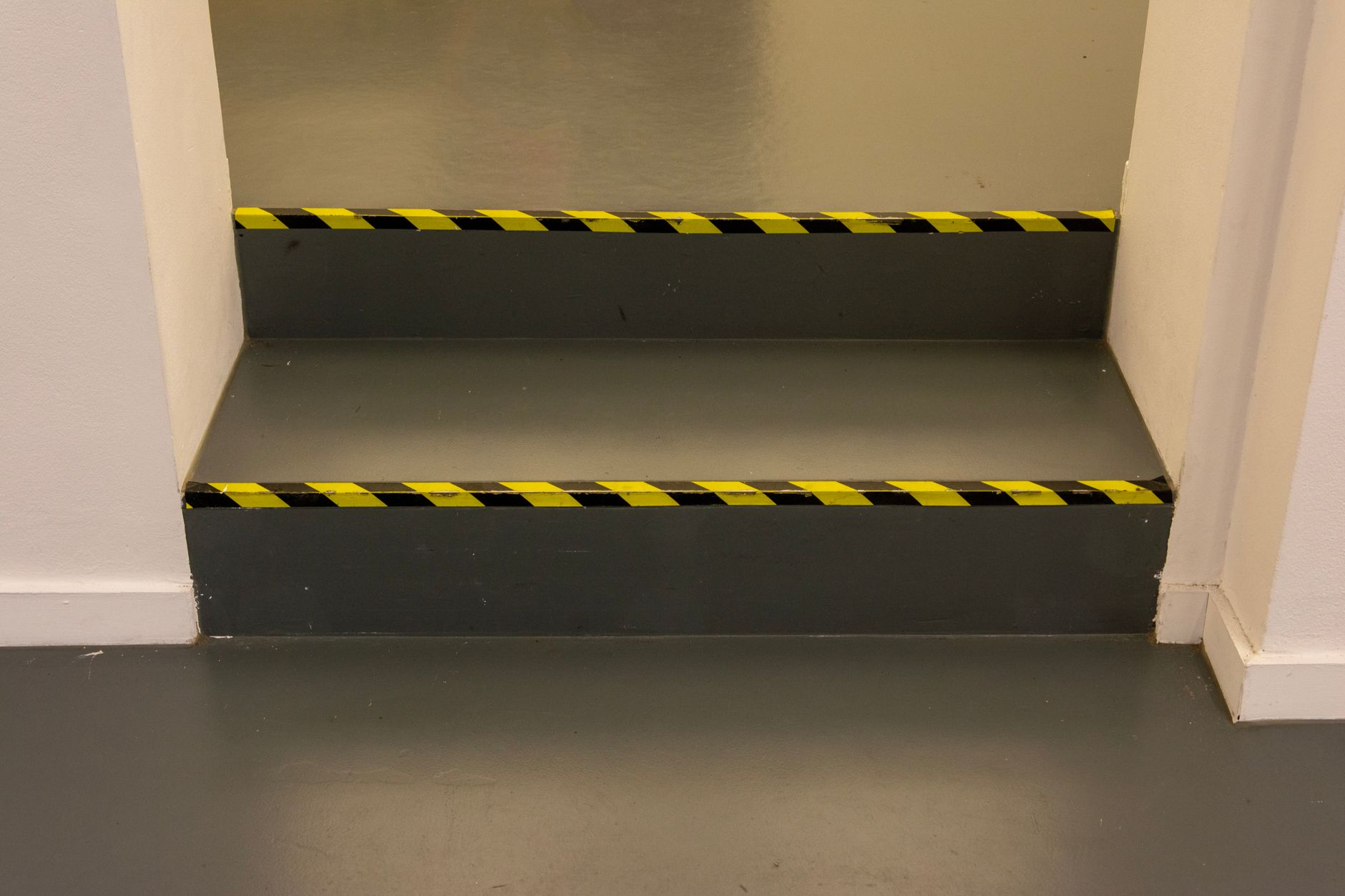
Projected path lights on the floor can show turn radius before the robot enters a crossing. They shine when overhead signs are missed and when glass walls reflect confusing glare. Treat projection as a bonus layer, not the only layer. Bulbs fail, dust collects, and wet floors scatter light.
Physical markings remain the backup humans trust. Tape, etched icons, or stanchion signs at merge points teach where robots yield to people. Align those marks with your fleet map so the robot stops where the floor says stop.
Match marking style to cleaning methods. An autonomous scrubber route should not paint cues where brushes lift every night. Use durable inlay or wall mounted cues in food courts and airport gates where tape would peel in a week.
How should faults and help requests look different?
Fault signals must never look like normal travel. Freeze motion, switch to a distinct fault color, and show a plain language screen such as needs assistance. Play a unique tone pattern staff learn in training.
Help requests are for people, not for the robot to solve alone. A button on the unit, a QR code for staff dispatch, or a radio call to security should tie to the same visual state so guests do not mash random buttons.
Log every fault signal with time and location. Your integrator can route those logs to a nationwide service network so remote triage starts before a truck rolls. That is where a vendor neutral partner earns trust after the pilot ends.
How do you test signals with real visitors?
Schedule tests during actual rush, not only on quiet Tuesday mornings. Watch where people freeze, step backward, or try to pass on the wrong side. Film with consent and review with facilities, security, and front desk leads.
Include sensory accessibility in the test plan. Invite staff who use wheelchairs, hearing aids, or low vision aids. Note glare, vibration, and echo. Adjust tone volume and screen contrast based on what they report, not on a lab spec sheet.
Run a five minute staff drill. Show stop, turn, yield, fault, and help once. Post a one page cue card at the desk. Consistency across locations matters more than clever novelty when you add a second robot under a monthly rental program.
Where does Service Robot Co. fit in signal design?
Signal design sits inside deployment, not after it. Service Robot Co. maps traffic, sets fleet defaults, trains night crews, and documents the signal sheet beside the route map. Because we select across manufacturers, we tune indicators to each unit while keeping the same meaning at every site.
If you are comparing robot leasing for business or a month to month robot lease, ask how signal profiles transfer when you swap hardware. A clear signal spec belongs in the pilot success criteria alongside coverage and uptime.