Key takeaways
- The superintendent sets the mowing rules, and the tee sheet supplies the facts those rules must respect.
- Every booking block needs a matching mower response: a full exclusion, a timed window or a route change.
- I found no public vendor endpoint that creates maintenance blocks for robots, so the link needs a checked daily routine.
- A hold log with reason codes and named releases answers later questions about why a fairway was cut late.
- A tournament change needs a re-check of holds, buffers, routes and alert coverage before the first tee.
Who sets the mower windows on a golf course?
The superintendent sets the mower windows, and the tee sheet supplies the facts those windows must respect. A robot fairway mower does not read the booking system by itself. Someone has to carry booked groups, maintenance holds and closures across to the mowing schedule, and that handoff is where most of the trouble begins.
In practice, the general manager controls play priorities and the tournament calendar, while the superintendent turns those priorities into mowing permission. Both should see the same blocks, and both should know who released each hold. The sections below walk through how that link works, what a tee sheet can and cannot tell a mower, and what to check when a tournament changes the plan.
What can a tee sheet already tell a mowing schedule?
Tee sheet platforms already carry most of the facts a mower needs. TeeSnap's support guide describes staff blocking tee times for maintenance, weather and course closures. Club Caddie describes blocks as a way to stop online booking during set periods, and notes that its online booking system talks to the tee sheet through an API.
The EZLinks feature list documents a course-notes setting, found under Maintenance then Course Notes, that tells online bookers the course is under standard maintenance. According to that document, the note is also sent to third-party channels such as GolfNow. The EZLinks file is an older feature list, so confirm that your current version still works the same way.
Total e Integrated says its tee sheet API connects with GolfNow, GolfSwitch, W5, Golf Pipeline and Event-Man. That is a vendor claim, and it describes booking channels, not mowers.
I found no public documentation for a vendor endpoint that creates a maintenance block a robot can read. Only the tee sheet vendor's developers can confirm whether one exists for your system. Until they do, treat the link as a checked daily process, not an automatic feed.
How do blocks turn into mower windows?
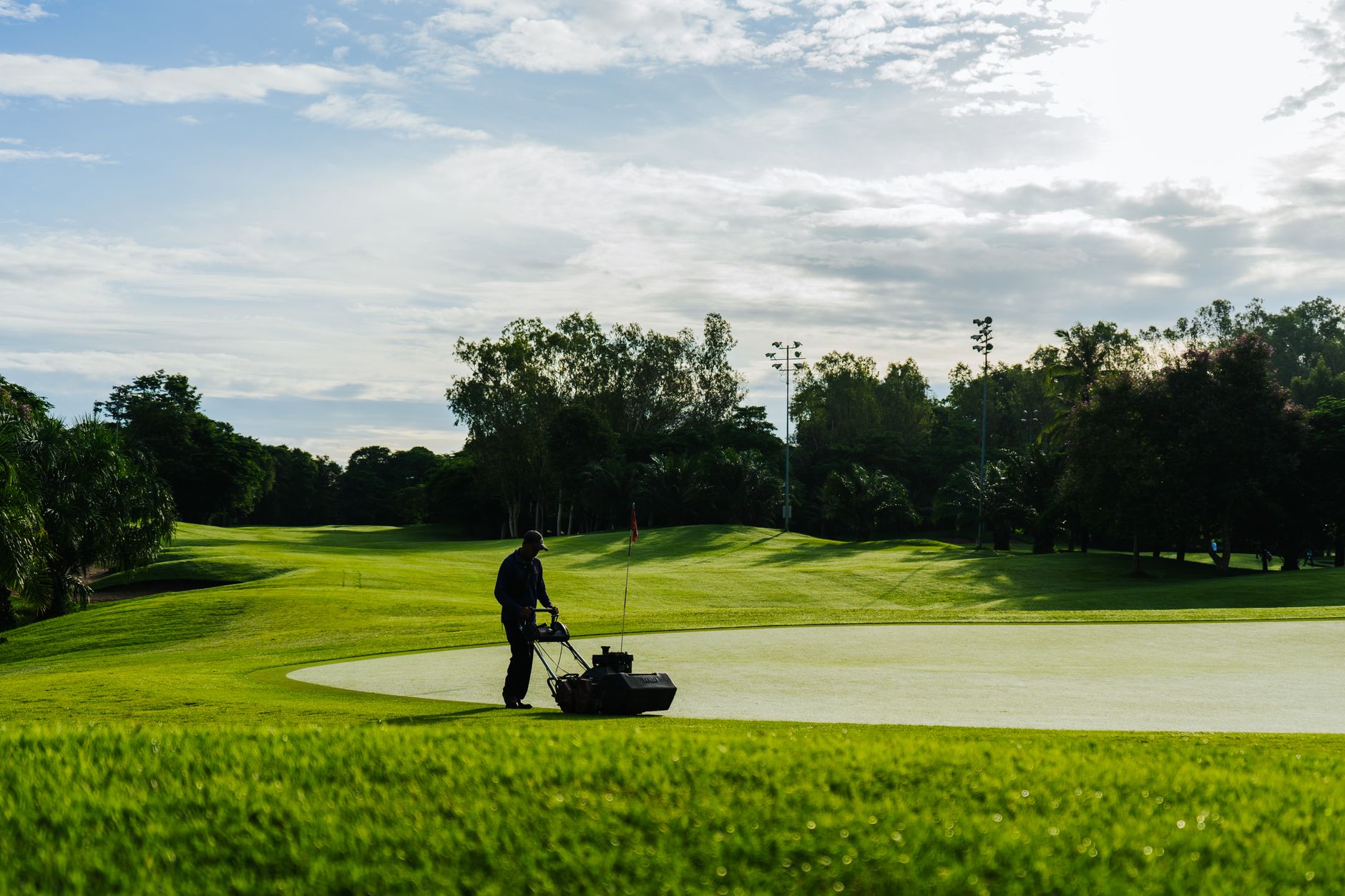
Each block on the sheet should map to one of three mower responses: a full exclusion, a timed window or a route change. The right response depends on what the block protects, so the superintendent should write the mapping down once and reuse it every season.
- Maintenance closure: no robot passes until the closure lifts and the crew confirms the course is clear.
- Booked tee windows: the mower finishes its pass before the first group, with a buffer the superintendent has agreed to.
- Tournament setup: robots run only on areas the event team has released in writing.
- Member-only or cart-path-only days: robot routes avoid holes that will carry carts or walkers.
- Weather hold: the robot stays docked until the superintendent clears the course.
Why do short-notice changes matter so much?
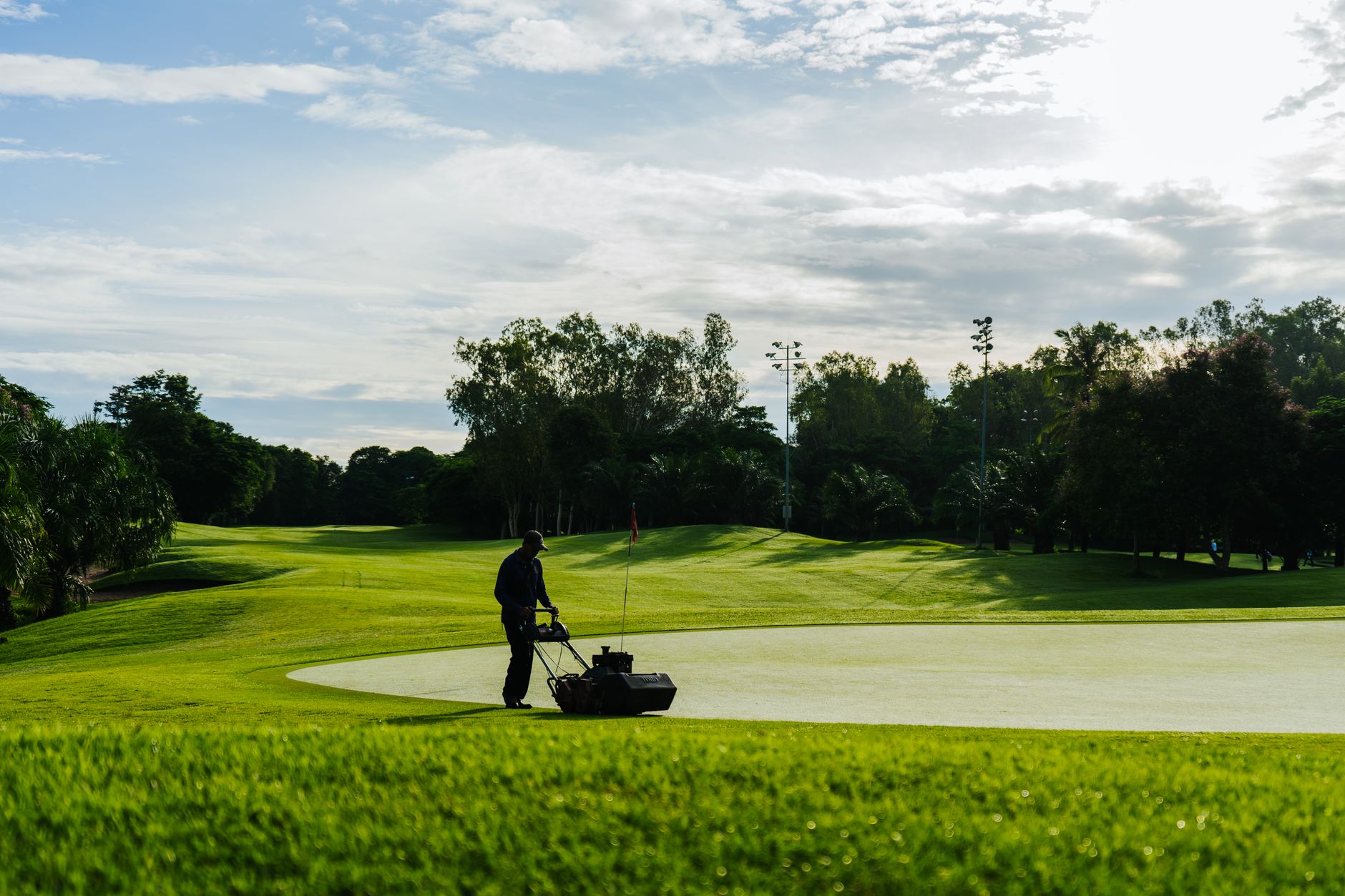
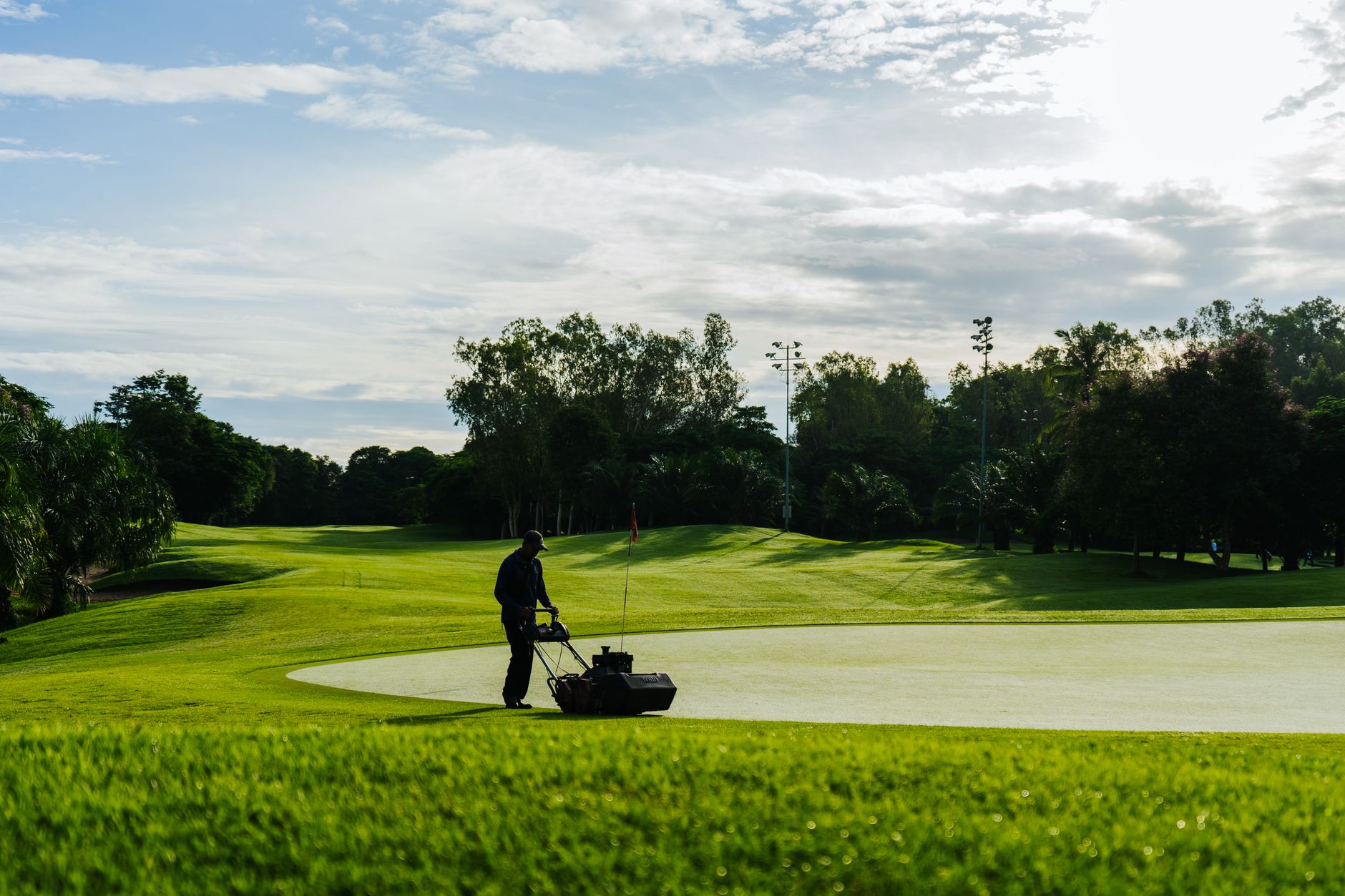
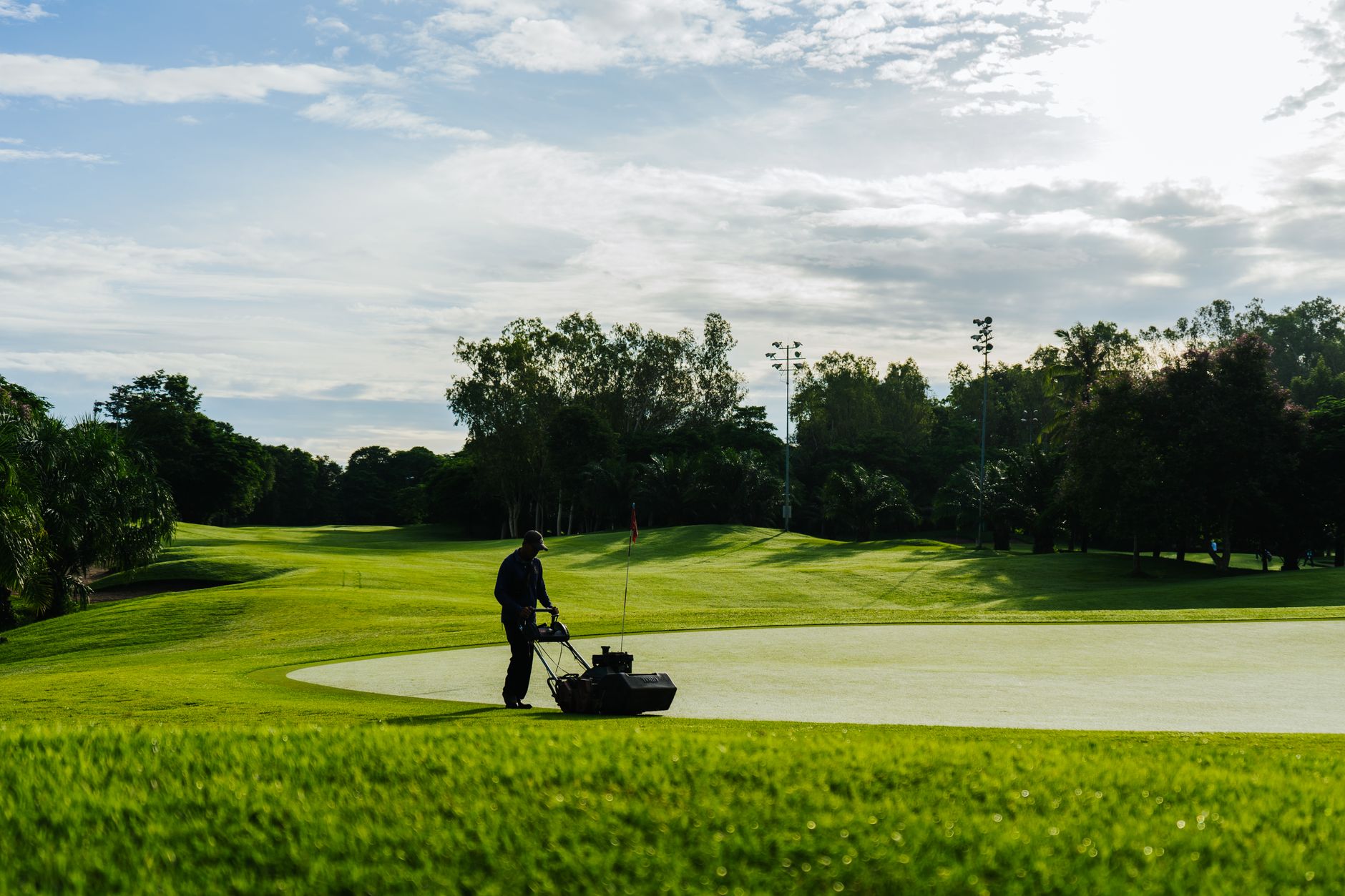
Short-notice changes are where a mapping like that gets tested. According to trade press coverage, at The Belfry during the Husqvarna British Masters, mowing schedules were adjusted at short notice for weather and tournament tee times, and fairways were cut before the greenkeeping crew started work ahead of play. The Husqvarna Fleet Services detail in that account is vendor-reported, so read it as the vendor's description.
Wichita Country Club, a Toro user, offers a single-course account of a different benefit. Per trade press, the crew leader arrives early to dispatch the autonomous fairway mowers, which widens the window between maintenance and play. One course is an anecdote, not a benchmark, but it shows the timing logic clearly.
How much control should a supervisor keep from the mower side?
Mower platforms now give supervisors more reach than a radio ever did. Toro's GeoLink product page says one supervisor can oversee one or more units while doing other course work, that real-time text alerts flag faults, and that the system can reroute a mower to areas it missed. Those are vendor feature claims, so test them on your own course before relying on them.
The same page describes a Walnut Creek setup in which the superintendent can monitor and control the mower from a phone, tablet or computer, from anywhere on the course. That reach helps when a tournament change has to be acted on quickly. It does not change who decides. The superintendent still sets the rules, and the manager still sets play priorities.
This is where Service Robot Co. fits. We are OEM-neutral, so we compare mower platforms from more than one manufacturer against the same tee sheet rules, then deploy and integrate the one that suits your course. Our offer is a lease: a three-year lease with one fixed payment quoted after a site assessment, with the fleet serviced under our RoboCare plan. The rules on your sheet and the people who run them stay with your club.
What belongs in a hold log?
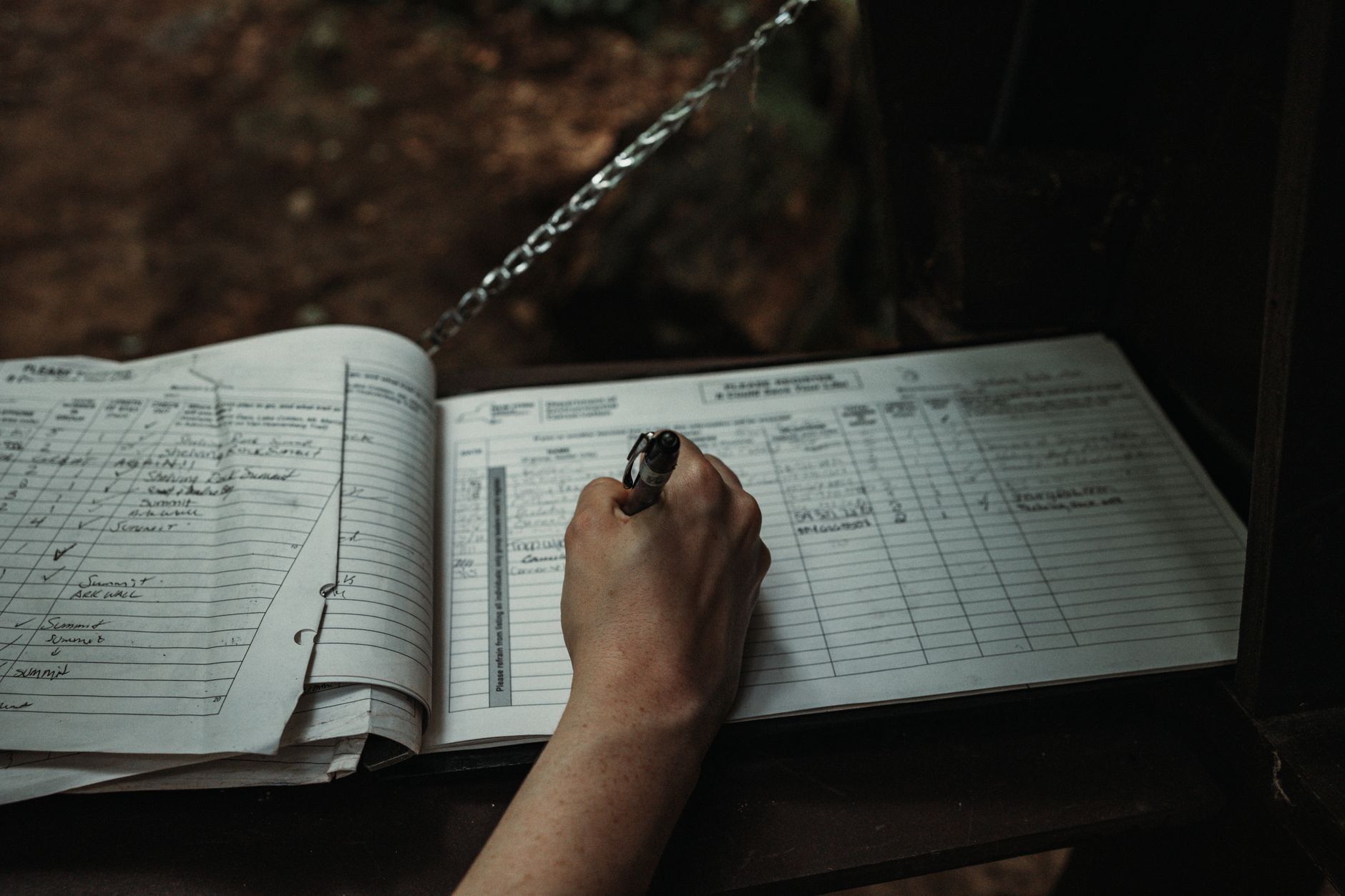
A hold is a decision, and a decision needs a record. Each time the mower schedule changes because of the tee sheet, log the start time, the end time, the tee block or event behind it, the reason, who released it, and whether the mower resumed its planned route. The mower's run log shows what the robot did. The tee sheet shows what was booked. The hold log is the only place where those two meet, with a name beside the call.
Keep the log short enough that staff will fill it in during a busy morning. Use a fixed list of reason codes such as tournament, weather, maintenance, play and equipment, so a month of entries can be sorted in minutes. When a board member asks why a fairway was cut late, the log answers in one line instead of from memory.
What should you check when a tournament changes the day?
Tournament changes are where windows break. A new field, a shotgun start or a cancelled event can leave an old hold in place, or remove one the robot still expects. Run this check before the first tee, and again after any change to the sheet.
- Reload the tee sheet and compare it with the morning's mower plan, not yesterday's.
- Confirm the first tee time and the buffer the superintendent agreed on.
- Remove stale holds left by a cancelled or moved event, and log each release.
- Check that the route still avoids any hole that has picked up new traffic.
- Confirm that a person on site receives mower alerts during the event, and that a manual backup route covers the same area.
Where does the link still break?
The biggest risk is rarely the mower. It is the gap between a booking system that changes quickly and a mowing plan that changes by hand. Alerts and remote control shrink that gap, but they do not close it. If the sheet changes after a mower has started a pass, someone must decide whether to pause, reroute or finish.
Fairway robots also depend on the people around them. A supervisor who has not been trained on the hold log will not use it, and a crew that does not know a hold exists may walk into the mowing area. Train the crew on the same reason codes the log uses, and rehearse one change day each season.
No vendor can promise that a tee sheet change reaches the mower on time, so the agreement with your vendor should say what happens when it does not. Confirm in writing who responds when a mower stops mid-route, and how quickly.
Frequently asked questions
Want a robot working for you?
Tell us the job and the site. We will recommend the robot, quote the lease, and keep it serviced.
Sources
- TeeSnap support: how to block and unblock tee times
- Club Caddie guide on tee sheet blocks
- EZLinks feature list (older vendor document)
- Total e Integrated tee sheet page
- Golf Business News: The Belfry autonomous mowers at the Husqvarna British Masters
- Toro GeoLink autonomous fairway mower page
- Golf Business News: Wichita Country Club and Toro autonomous mower fleet