Key takeaways
- Log every stoppage with a start time, a restart time and a cause.
- Availability is the share of scheduled time the robot was ready to work.
- Recovery time shows if spares, diagnostics and staffing are doing their job.
- One written rule for what counts as a stoppage keeps the numbers honest.
- Review the log weekly, fix repeats first, and compare against your own baseline.
What does a simple uptime log need to answer?
A night engineer needs three answers each morning: how many scheduled hours the robots actually ran, how often they stopped, and how long each stop lasted before the unit ran again. A plain log answers all three without guessing, as long as every stop gets a start time, an end time and a cause.
Two measures come out of that record. Availability is the share of scheduled time a robot was ready to work. Recovery time is how long a stoppage lasted from the moment the unit went down until it ran again. Neither needs special hardware, only the same entry written on every shift.
Search found no robot specific uptime benchmarks or standards, so the first job of the log is to build your own baseline. Compare this month with last month on your own floors, not with a figure from a brochure.
Which fields belong in every stoppage entry?
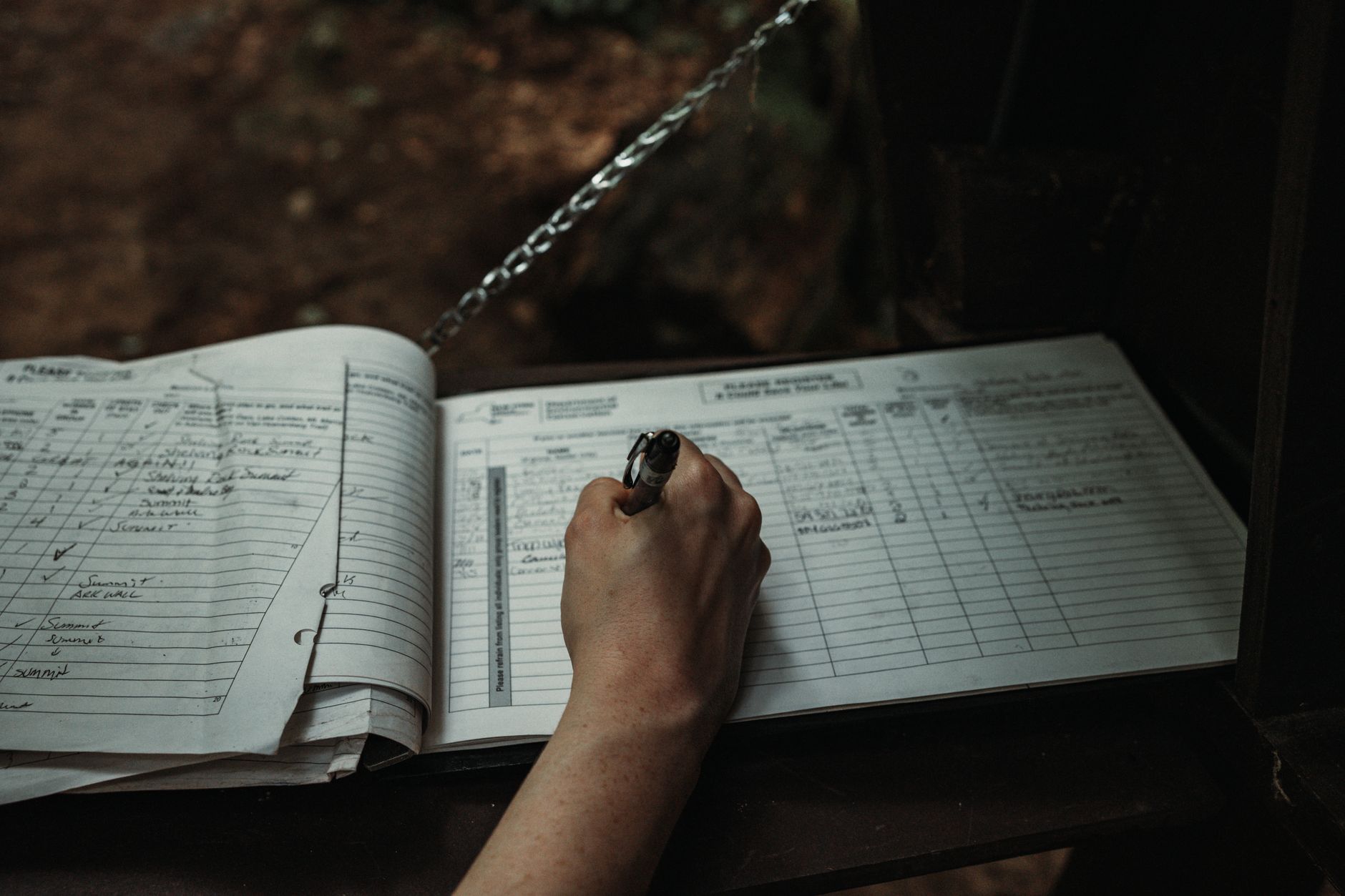
Keep the form short enough that a tired engineer will fill it in at four in the morning. Every entry should carry the same fields in the same order, so the weekly review can sort and count without rereading handwritten notes.
- Unit ID and the zone or route it was assigned
- Date, scheduled run window and the engineer on shift
- Stoppage start time, taken from the alarm or from the first person to notice
- Restart time, logged when the unit completed a run again
- Stop category: battery, sensor, navigation, obstruction, software or mechanical
- Action taken: reset, repair or swap
- Parts needed, and whether a spare was on hand
- Backup coverage during the stop, recorded as yes or no
- One line of plain notes describing what was seen
How is availability worked out from the log?
Availability can be approximated as MTBF divided by the sum of MTBF and MTTR. MTBF, mean time between failures, is total operating time divided by the number of failures. MTTR covers the full downtime for each failure, from the moment the asset goes down until it runs again, including diagnosis, parts, repair, testing and restart.
Those definitions come from a vendor blog rather than a robotics standard, so treat them as a working method. The source's illustrative example uses 950 hours of MTBF and 50 hours of MTTR, which gives about 95 percent. That is arithmetic, not a measured robot figure.
A single zone can use a simpler sum. Subtract stopped hours from scheduled hours, then divide by scheduled hours. Run both calculations for a few weeks and check that they agree.
Why does the stoppage rule need to be written down?
Both metrics fall apart when two engineers disagree about what counts as a failure, or when a repair clock starts in one place and stops in another. One engineer logs a three minute navigation pause as a stoppage, another skips it, and availability drifts without the robot changing at all.
Write one rule and post it at the charging station. For example, any stop that interrupts a scheduled route counts, however short, and the restart time is the moment the unit resumes that route. Hold the rule steady for a full month, then review it with the team.

What should the weekly review look for?
Once a week, sort the log by stop category and by unit. Repeats matter more than single events. A unit that loses time to the same sensor every night has a root cause waiting to be found, while one bad night usually does not justify a change.
The source names the levers. Root cause analysis of recurring breakdowns, along with tighter preventive or condition based maintenance, raises MTBF. Spares, clearer diagnostics, trained technicians and pre staged tools lower MTTR. A good review ends with one decision for each repeat problem: fix the cause, stock the part, retrain the shift or change the route.
Name an owner for each decision in the log, so the next review can check if it worked.
What do industry figures add to your own log?
Industry data explains why overnight logs matter more each year. According to IFR figures as reported in trade coverage, professional cleaning ranked third among professional service robot applications in 2025 with a 12 percent share, behind transportation and logistics and hospitality. Cleaning sales rose about 40 percent in 2025, and inspection and maintenance robots rose 83 percent.
Professional service robot shipments rose 24 percent to almost 250,000 units in 2025. Trade press also reported that transportation and logistics accounted for 47 percent of professional robot sales. Those are shipment and sales figures, not uptime data.
The IFR figures come from a sample of 238 producers out of 1,001 manufacturers and are not projected to the whole industry. IFR also advises against comparing figures across different World Robotics reports. Use them to explain your floor demand, not to judge how well any single unit runs.
Where does Service Robot Co. fit into an uptime log?
Service Robot Co. leases commercial robots through a three year lease, with one fixed payment quoted after a site assessment. We are OEM neutral, so the log follows the job rather than one manufacturer's software, and our nationwide US engineer network services each unit we deploy. Those are the two places a log most often stalls: dispatch and the first week of data.
We agree the stoppage fields at go live, so the baseline exists before the first full week of stops rather than after the first argument about them. That is a method we can help set up, not a promise of any particular availability figure.
Frequently asked questions
Want a robot working for you?
Tell us the job and the site. We will recommend the robot, quote the lease, and keep it serviced.