Key takeaways
- Treat a near-miss like a real incident: freeze the scene before anyone reboots the fleet software.
- Pull robot logs, WMS timestamps, door events, and witness statements into one timeline.
- Classify cause as human, mechanical, software, map, or traffic-rule failure before you change anything.
- Re-run the route under observation after corrective actions, not on faith.
What counts as an AMR near-miss?
An autonomous mobile robot near-miss is any event where the unit almost struck a person, forklift, load, door, or another robot, but contact did not occur. Close calls at blind corners, dock plates, elevator thresholds, and cross-aisles are the ones warehouses remember because the next pass might not miss.
Document near-misses with the same discipline as a hit. The data you collect prevents the injury that follows when everyone shrugs and restarts production.
Your response process should be short enough that supervisors actually run it at 2 a.m., and thorough enough that safety and operations trust the outcome.
Who should respond first?
Name roles before trouble arrives: floor supervisor, safety lead, maintenance, and whoever owns the fleet software. The first person on scene stops the robot safely, not angrily.
If a worker is shaken or reports pain, follow your medical and HR protocol first. Investigation waits on human care, not the other way around.
Keep one investigator in charge of evidence so logs do not get overwritten while three people export different files.
How do you preserve the scene?
Park or lock out the involved AMR in place when you can. Mark the floor where the unit stopped and where the pedestrian or forklift was.
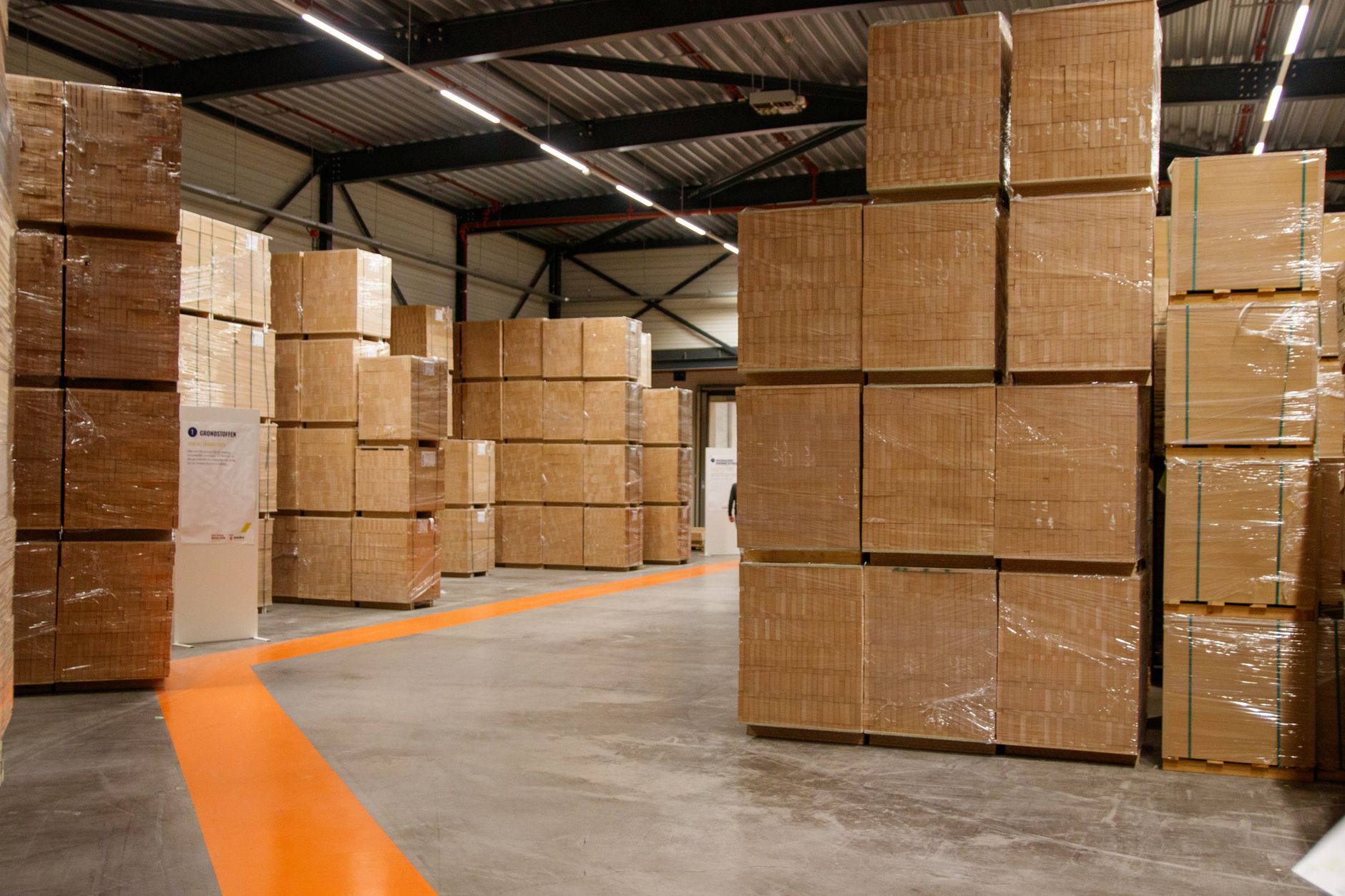
Photograph aisle width, temporary obstacles, pallet overhang, and door positions. Rain mats, stretch wrap tails, and misplaced cones show up in photos when memory fades.
Do not clear the aisle for productivity until photos and measurements are done. A clean floor erases the story.
What logs and video should you collect?
Export the robot mission log, fault codes, speed profile, and localization confidence for the trip in question. Grab the same window from adjacent AMRs if traffic rules involve handoffs.
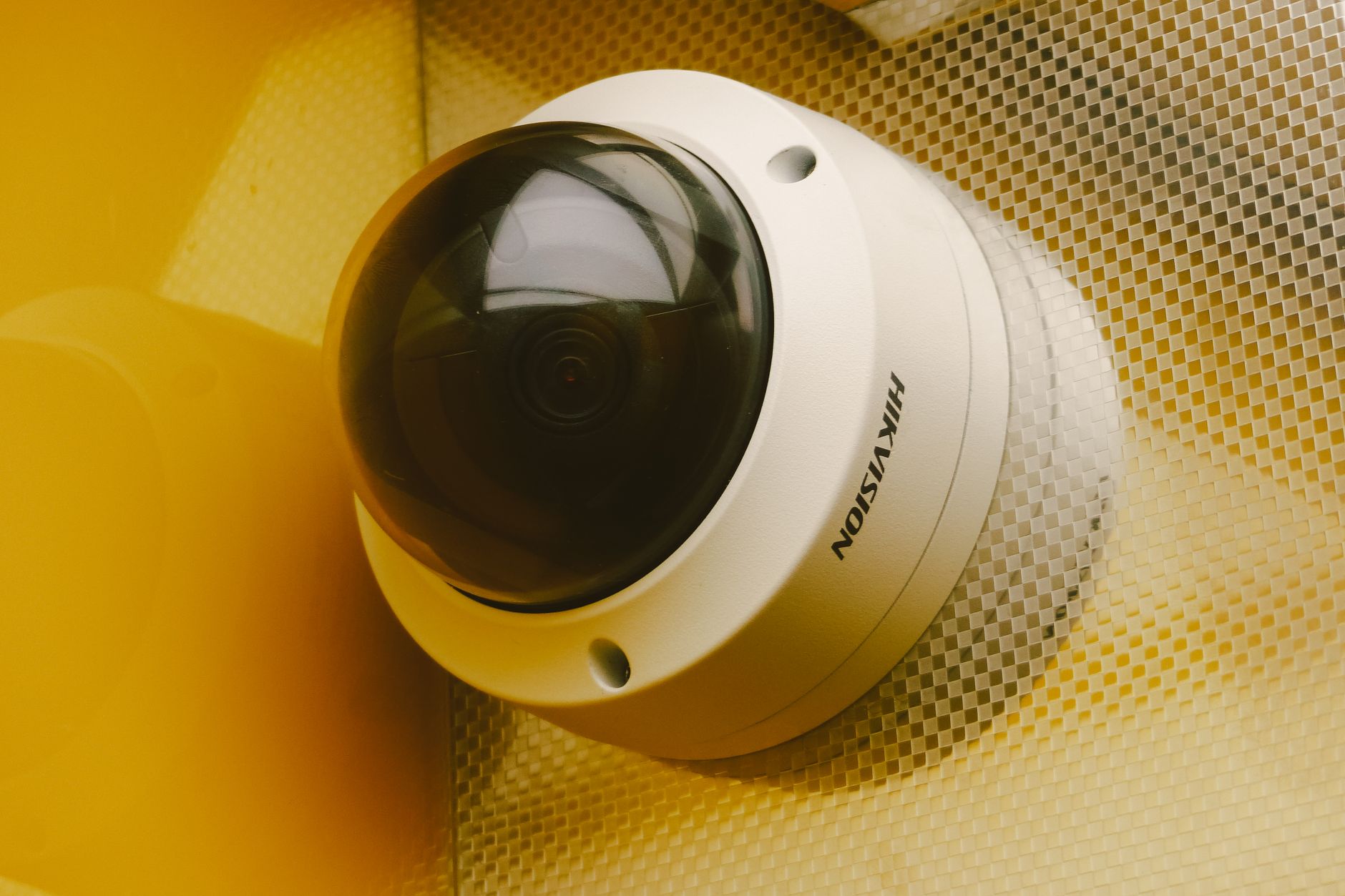
Pull warehouse video with timestamps that align to the robot clock. Note if cameras miss the blind corner where the near-miss happened.
Collect door, elevator, and zone controller events if the route crossed automated openings. A door that closed late looks like robot error until you see the interlock trace.
Save WMS or WES tasks that dispatched the move. Dispatch timing explains why the AMR arrived when foot traffic was high.
- Robot mission and fault export for the trip window
- Fleet server time sync proof
- CCTV clips with embedded timestamps
- Witness names and shift assignments
- Forklift telematics if applicable
How do you rebuild the timeline?
Lay events on a single line: dispatch, start, zone entry, speed change, near-miss, operator action, stop. Gaps matter as much as peaks.
Interview witnesses separately and early. Ask what they saw, heard, and expected the robot to do.
Replay the route in simulation or teach mode only after you understand whether replay itself could recreate a hazard.
How should you classify root cause?
Use simple buckets so leadership sees patterns: map error, traffic rule gap, sensor limitation, human unexpected entry, equipment failure, or third-party system timing.
Avoid stopping at blame. A worker cutting through a lane is still a system signal that your zones or signage failed.
Rate severity even without contact. High kinetic energy near misses get the same corrective priority as a light bump that tore shrink wrap.
What corrective actions actually stick?
Map edits should be versioned. Note who approved the change and which AMRs received the update.
Traffic changes might mean one-way aisles, speed caps near docks, or staging pallets differently. Software-only fixes fail when the physical layout still invites shortcuts.
Train the specific crew on the shift where the near-miss occurred, not just a bulletin email next Monday.
If forklifts were involved, brief lift drivers on robot right-of-way rules you enforce, not rules that exist only on a poster.
When is it safe to return the route to service?
Run a validation pass with safety and operations watching. Repeat the scenario that failed at a controlled time, with spotters and a kill switch plan.
Log the validation in the same case file as the near-miss. Auditors and insurers ask for closure evidence.
Service Robot Co. supports fleets as a vendor-neutral integrator: we help customers pull logs, replay routes, adjust maps, and service AMRs through a nationwide engineer network so validation reflects how the unit runs after real repairs, not just a quick reboot.
What belongs in the written report?
One to two pages is enough if it is specific: date, shift, location, units involved, timeline, root cause, actions, owner, and due dates.
Attach file names for log exports and video clips. Future you will not remember which USB stick held the mission file.
Share lessons with other sites running the same map template. Near-misses cluster when copies of a layout spread without copying the fix.