Key takeaways
- Treat relocation as a controlled project with frozen configs, labeled assets, and pass or fail acceptance criteria before you declare go-live.
- Export maps, fleet IDs, maintenance logs, and software versions before power-down so the new site starts from known baselines.
- Re-survey floors, Wi-Fi, docks, and charging placement before you assume old routes will translate.
- Run staged recommissioning with fault injection and peak-load scripts, not a single happy-path demo.
- Keep one integrator accountable for transport protection, recommissioning, and nationwide field service after the move.
What is the fastest safe way to move robots that are already earning their keep?
Relocating a robot fleet is not a truck-and-lift exercise. It is a data and operations migration. You are moving physical machines, digital maps, network identities, service histories, and the staff habits that kept the last building productive.
Start by freezing change. Pause map edits, software upgrades, and layout experiments at the old site while you build a relocation runbook. Assign owners for hardware, IT, facilities, and floor supervisors so decisions do not scatter across vendors.
The goal is to land in the new building with the same fleet IDs, the same maintenance trail, and acceptance tests that prove throughput and safety before customers or night crews depend on the robots again.
What should you export before the first unit leaves the dock?
Pull a configuration snapshot from every robot and from the fleet management layer: software build, safety parameter sets, map versions, zone names, cleaning or delivery schedules, and exception rules. Store those files in a version-controlled folder tied to the move project ID.
Export service history next. Runtime hours, battery cycles, fault codes, parts replaced, and open warranty items belong with the asset. Relocation is a common moment for missed renewals or lost loaner paperwork if those records stay in a technician's inbox.
Photograph charging placements, dock heights, and cable routes at the old site. Teams forget how tight a turn was until the first autonomous scrubber refuses a hallway in the new building.
How do you reassess the new site instead of copying the old layout?
Walk the new floor with the same discipline as a first deployment. Measure door widths, ramp slopes, elevator thresholds, and floor transitions. Note sunlight, reflective glass, and Wi-Fi dead zones that were irrelevant in the previous warehouse but common in a converted retail box.
Inventory what changed in the business, not just the address. A distribution center that adds cold storage or a hotel that opens a new banquet wing may need different robot types or schedules even if the fleet size stays flat.
Facilities and IT should sign a readiness checklist before robots arrive: power to chargers, network drops live, safety signage posted, and staging lanes marked for inbound and outbound units. Warehouse relocation guides stress testing connectivity and sample transactions before cutover day, and the same rule applies to autonomous machines.
How should maps and routes migrate without silent drift?
Never assume a map file from building A will run unedited in building B. Import it as a reference layer, then re-teach critical zones, keep-out areas, elevator entries, and dock approaches on site.
Version every map change during recommissioning. Label files with date, operator, and scope so rollback is possible when a Friday night edit breaks Monday coverage.
If you run mixed fleets, confirm that each robot type can read the same zone taxonomy. A patrol route name that means courtyard in the old campus might point at a loading lane in the new one unless you reconcile naming in the fleet dashboard.
What network and security steps prevent day-one disconnects?
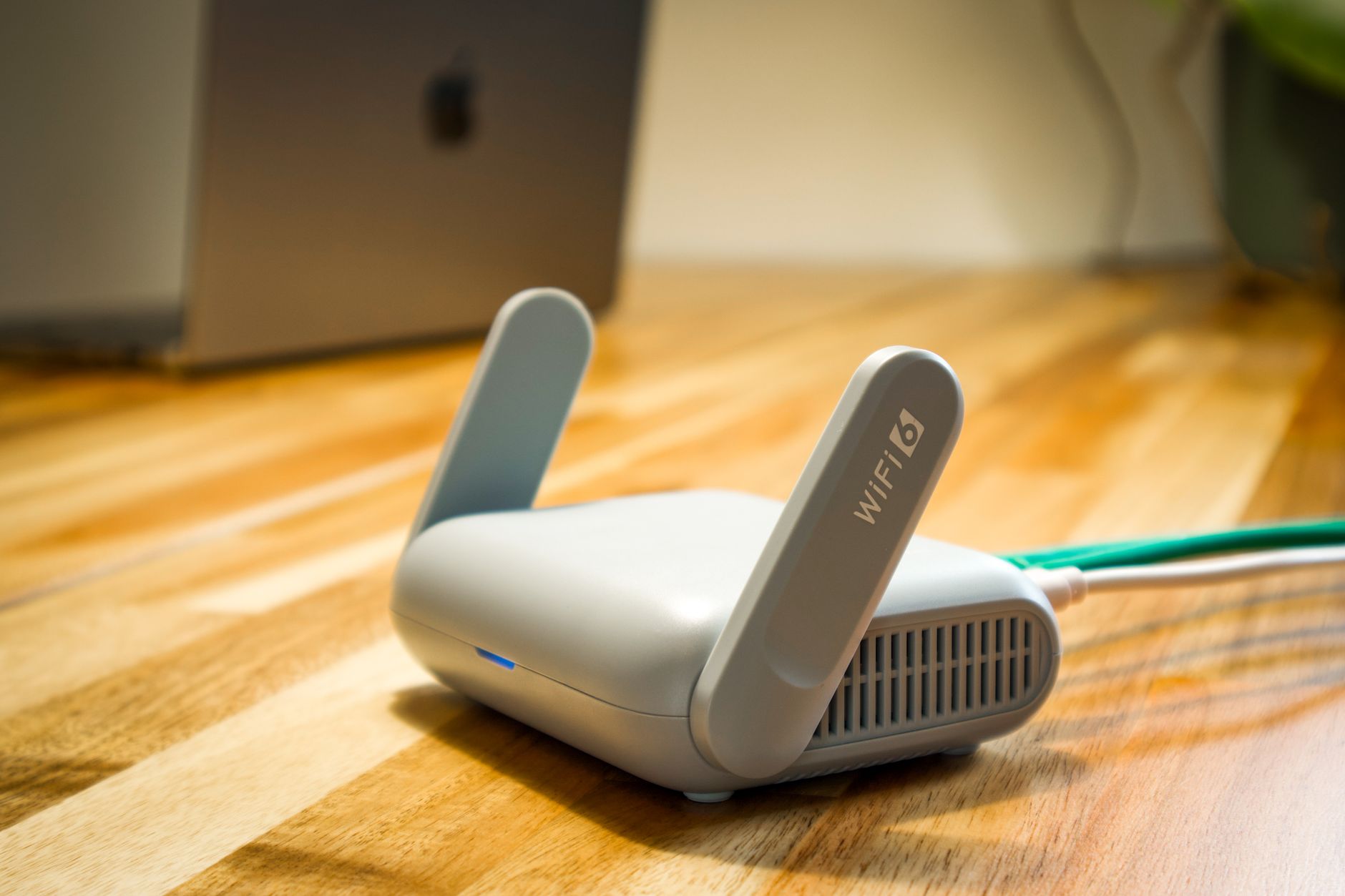
Robots are mobile endpoints. Document SSIDs, VLANs, firewall rules, and DNS entries before move week. Run a site survey with the actual robot radios, not only a laptop walk, because metal racking and refrigerated walls attenuate signals differently than office gear.
Plan a maintenance window for IP or certificate changes. Staged cutover beats big-bang DNS flips when dozens of units reconnect at once.
Coordinate with whoever owns building access control. Elevator integrations and door holds that worked with the old facilities contact may need new credentials and test runs with fire and security staff watching.
How do you protect hardware in transit?
Drain fluids per manufacturer guidance on scrubbers, secure articulated arms, and remove fragile sensors when recommended. Use labeled crates that map one to one with asset tags in your export folder.
Transport lithium batteries under your hazmat and carrier rules. Keep chargers and spare tires with the units they match so reassembly does not scramble at 2 a.m.
Insure the move as operational equipment, not generic freight, and photograph condition at load and unload. Relocation disputes are easier to settle when damage is documented before power-on.
What does recommissioning look like on the new floor?
Power up in a defined sequence: chargers first, then one pilot robot, then the rest in small batches. Validate safety stops, light curtains, and speed limits before full-speed cleaning or delivery loops.
Re-run teach points for docks, elevators, and narrow aisles. Automation acceptance guides recommend factory and site acceptance scripts that include fault injection and recovery, and you should reuse that mindset after a move.
Keep manual fallback routes live until SAT passes. Staff should know how to pause the fleet, switch zones offline, and complete critical tasks without waiting for a remote engineer.
Who needs retraining and what should they practice?
Operators need hands-on time with unchanged and changed steps. Even if the UI is familiar, building layout and exception codes will feel new for the first two weeks.
Night crews should practice recovery drills: stuck robot, spilled water line, fire alarm pause, and guest interaction on public routes. Write these into shift checklists before you advertise autonomous coverage downtown.
Facilities and security need a short briefing on where robots charge, which doors they call, and who gets paged when a unit stops in a stairwell or vestibule.
Which acceptance tests prove the fleet is truly live again?
Define pass or fail metrics before testing starts: sustained throughput during a peak window, task latency, availability over a burn-in period, and error rates your integrator contract already references. Warehouse robotics acceptance checklists often include multi-shift stress runs with production-like tasks rather than a single demo lap.
Include intentional faults. Block an aisle, drop Wi-Fi briefly, and confirm the fleet escalates, recovers, and logs incidents you can audit later.
Sign off only when remediation items from failed tests are closed. A conditional go-live with open safety or connectivity items is how relocations earn bad press inside your own company.
Where does a full-service integrator fit the relocation playbook?
Service Robot Co. acts as a vendor neutral robot integrator across cleaning, delivery, security, and warehouse automation. That matters when one building used mixed OEM units and you want one partner for site assessment mapping, transport coordination, recommissioning, and go live support.
Robot leasing for business and month to month robot lease structures can keep capital flexible if the move is tied to a lease exit or a pilot conversion at the new address. The same team that financed the fleet should own spare coverage and emergency response nationwide so service history stays continuous in one system of record.
Relocations are expensive when fragmented. One partner one number is not a slogan on move week. It is how you keep configurations, service logs, and acceptance evidence in one thread from old dock to new.