Key takeaways
- A robot command center centralizes control over a diverse fleet of robots using fleet management software.
- Key functions include real-time monitoring of robot status, centralized task and schedule management, and performance data analysis.
- Setting up a command center involves defining goals, selecting vendor-neutral software, integrating robots, and training staff.
- Performance analytics help identify operational bottlenecks, predict maintenance needs, and optimize robot utilization for better ROI.
- Working with a full-service integrator simplifies deployment, provides ongoing support, and ensures a unified management strategy for multi-vendor fleets.
What is a Robot Command Center?
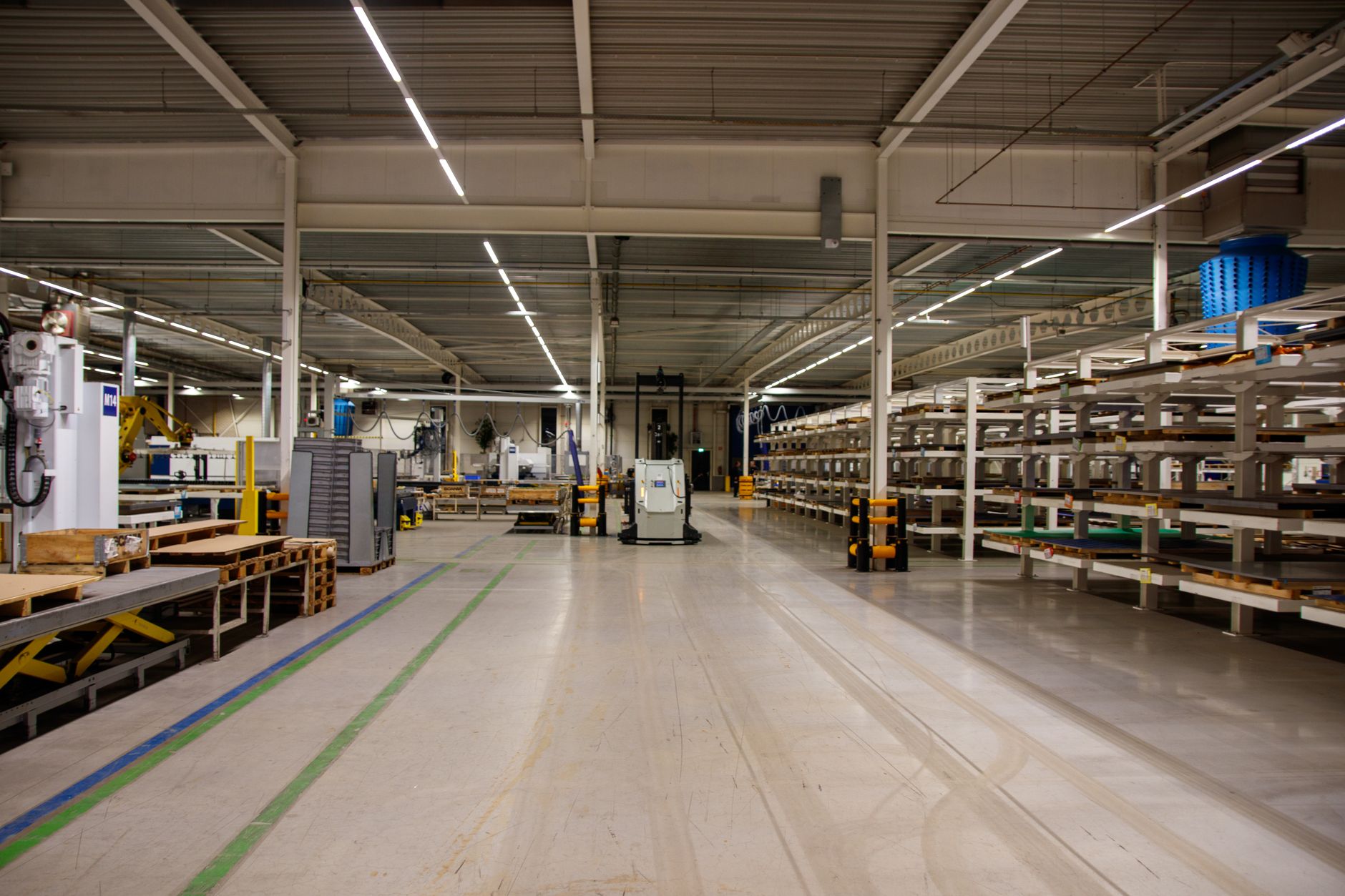
Managing a single robot is one thing. Managing a fleet of autonomous mobile robots (AMRs), robotic arms, and automated floor scrubbers from multiple manufacturers is another challenge entirely. A 'robot command center' is the solution. It is not a physical room with blinking lights, but a centralized software platform that gives you a single pane of glass to oversee your entire robotic operation.
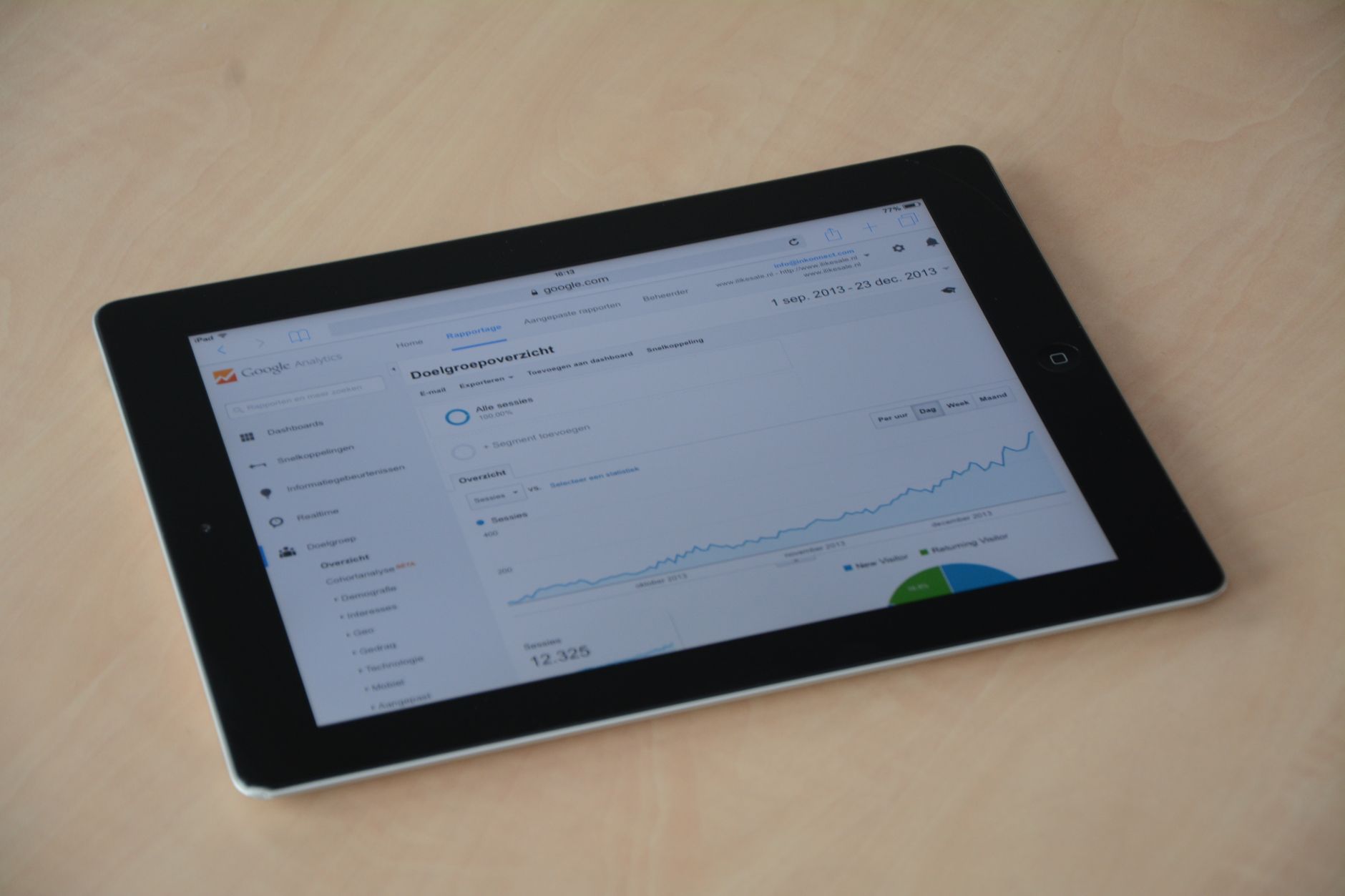
This centralized system, powered by fleet management software, provides a unified dashboard to monitor every robot's status, battery level, and current task in real time. Instead of juggling different applications for each type of robot, operations managers can view their whole fleet, assign work, and respond to issues from one place. This approach transforms a collection of individual machines into a coordinated and efficient automated workforce.
The core purpose is to move from reactive problem-solving to proactive optimization. With a command center, you can coordinate complex tasks, prevent traffic jams between AMRs, and ensure that the right robot is doing the right job at the right time. It is the key to unlocking the full potential of a diverse, multi-vendor robot fleet.
What Are the Core Functions of Fleet Management Software?
Fleet management software is the engine of your robot command center, providing four essential capabilities to control and optimize your operations.
First is centralized monitoring. This gives you a live, high-level view of your entire fleet. Dashboards display real-time status for every unit, showing whether a robot is active, idle, charging, or requires maintenance. This immediate visibility allows managers to spot and address issues before they cause significant downtime.
Second is task and schedule management. The software allows you to assign and prioritize jobs across the entire fleet from a single interface. You can create schedules for routine tasks, like overnight cleaning runs, or dispatch robots for on-demand needs, such as a material transport request. Advanced systems can even automate task allocation based on robot availability, location, and capability.
Third is data collection and performance analytics. Every robot in your fleet generates a constant stream of operational data: cycle times, distance traveled, task completion rates, and error logs. The software aggregates this information, turning raw numbers into actionable insights. This allows you to track key performance indicators (KPIs) and identify opportunities for improvement.
Finally, many platforms offer remote diagnostics and updates. Technicians can troubleshoot issues from the command center without needing to be physically present with the robot. The system can also push out software and firmware updates to the entire fleet in a controlled manner, ensuring all units are running the latest, most secure versions.
How Do You Set Up Your Command Center?
Establishing a robot command center is a structured process. It begins with defining your operational goals. What do you need to achieve? Is it higher uptime, better task efficiency, or simply a unified view of a mixed fleet? Your objectives will guide your software choice and implementation strategy.
The next step is selecting the right fleet management platform. A critical consideration for facilities with equipment from multiple manufacturers is vendor neutrality. Many robot makers offer their own fleet software, but these systems often only work with their own brand. A vendor-agnostic platform, which can communicate with and control robots from different builders, is essential for true centralized control.
This is where a partner like Service Robot Co. becomes invaluable. As a full-service, OEM-neutral integrator, we specialize in building cohesive fleets from the best robots on the market. We ensure every unit, regardless of manufacturer, is integrated into a single, unified management dashboard. We handle the complexities of deployment, from initial site mapping to go-live support, providing one point of contact for your entire robotic operation.
Once the platform is chosen, the integration phase begins. This involves connecting each robot to the central software, configuring communication protocols, and mapping the facility's digital twin. The final step is training your operations team to use the dashboard, interpret the analytics, and manage the fleet effectively.
How Does Monitoring Robot Status Improve Operations?
Real-time monitoring is the most immediate benefit of a robot command center. Knowing the exact status, location, and battery level of every robot in your facility prevents minor issues from becoming major disruptions.
Imagine a warehouse where an AMR's battery is critically low, but no one notices. The robot stops mid-aisle, blocking traffic and halting the movement of goods. With a centralized dashboard, an operator would receive an alert long before the battery dies, allowing them to send the robot to a charging station proactively. This visibility turns potential downtime into a scheduled, non-disruptive event.
Monitoring also enhances accountability. When a task is assigned, the command center can track its progress from start to finish. If a cleaning robot encounters an unexpected obstacle and stops its route, an operator is immediately notified. They can view the robot's camera feed remotely, clear the obstruction, and resume the task, ensuring service level agreements are met without delay.
What Is the Process for Managing Tasks and Schedules?
Effective task management transforms your fleet from a group of individual workers into a coordinated team. The command center acts as the dispatcher, ensuring that operational priorities are met efficiently. Using advanced algorithms, the system can dynamically assign tasks based on the most logical criteria, such as which robot is closest or has the right capabilities.
The process typically involves creating a queue of all pending jobs. This could include recurring scheduled tasks, like scrubbing the main lobby every night at 2 a.m., and ad-hoc requests, such as delivering a meal tray in a hospital.
The fleet management software then intelligently assigns these tasks. It considers robot availability, battery status, and current location to make the optimal choice, preventing situations where a robot travels across the entire facility for a job that a closer unit could have handled. This global optimization reduces travel time and maximizes the productivity of the entire fleet.
For complex environments, the system also manages traffic control. By maintaining awareness of every robot's position and intended path, it can prevent collisions and deadlocks in busy corridors or intersections, keeping workflows moving smoothly.
How Can You Use Performance Data to Optimize Your Fleet?
A robot command center does more than just control; it provides the data needed for continuous improvement. By analyzing performance analytics, you can move beyond day-to-day management to strategic operational optimization. The data reveals patterns and inefficiencies that would otherwise be invisible.
The analytics dashboard can highlight key performance indicators (KPIs) like fleet uptime, mean time between failures (MTBF), and task completion rates. For example, if you notice that a particular robot model has a lower MTBF, it might indicate a recurring mechanical issue. This allows for proactive maintenance before a critical failure occurs.
Data can also reveal bottlenecks in your workflow. Are robots frequently waiting in a specific area? Are certain tasks taking longer than expected? By analyzing heatmaps of robot traffic and reports on task duration, you can redesign layouts or reallocate resources to improve flow and efficiency. This data-driven approach ensures your robotic investment delivers the maximum return.
This is another area where a full-service partner adds significant value. Service Robot Co. doesn't just deploy robots; we provide ongoing support through our nationwide network of engineers. We help you interpret performance data, manage maintenance schedules based on predictive analytics, and continuously refine your automation strategy to meet your evolving business needs.