Key takeaways
- Map every head and valve box before the first robot pass, not after the first strike.
- No go zones and obstacle sensors reduce contact, but their limits mean a trained person keeps supervising.
- Park the mower at its charger at least one hour before automatic sprinklers start, as one Stiga manual directs.
- Re-flag heads after any irrigation repair, moved valve box lid, or new line, then run a short supervised pass.
- Log every strike with zone, head type, time and photo so the repair crew starts from facts.
How do you keep sprinkler heads safe during a robot pass?
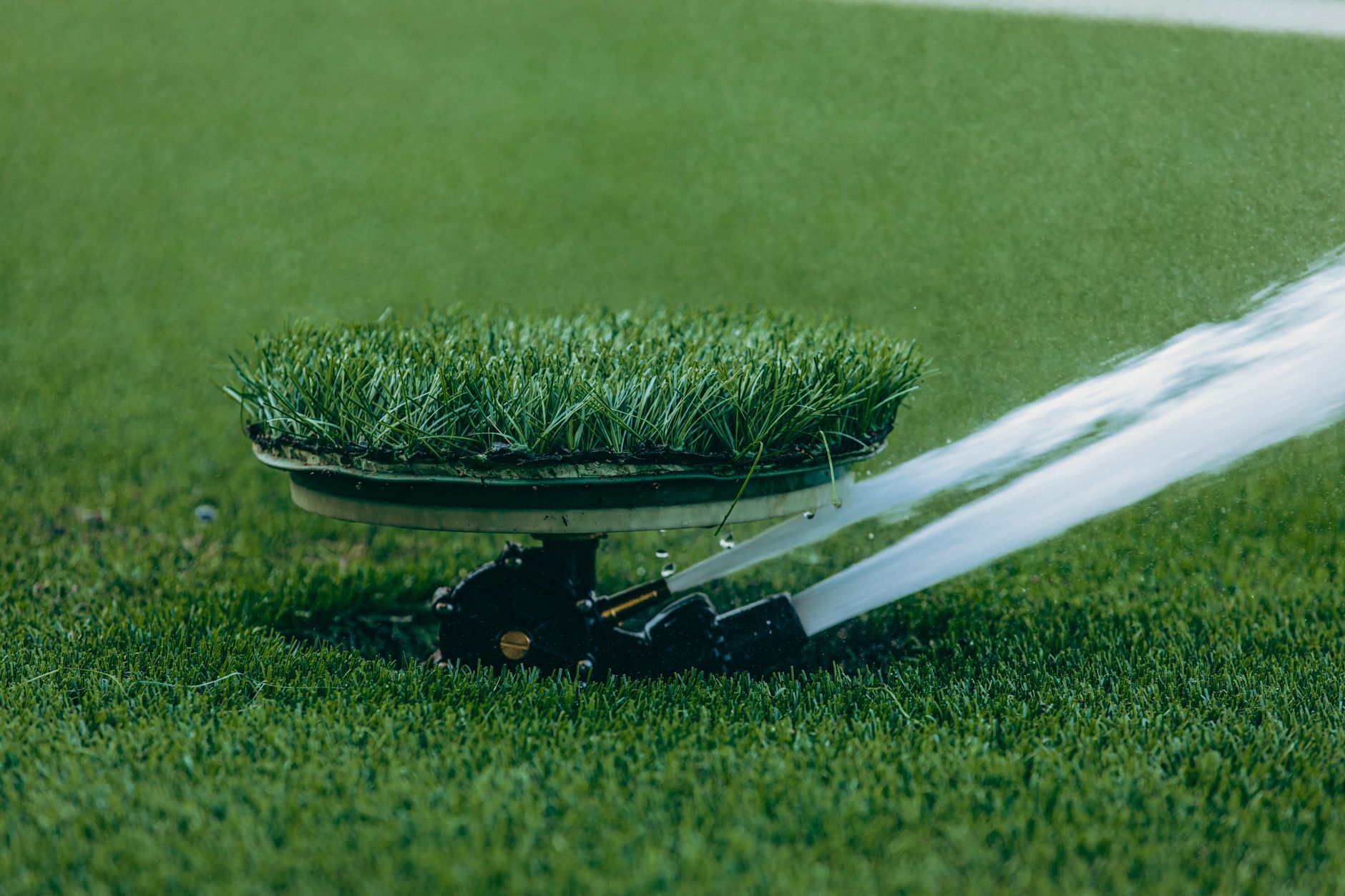
Protect the heads before the mower starts, not after the first lap. Sprinkler heads and valve box lids sit low and often flush with the turf, so a robot only avoids what has been mapped or what its sensors catch in time. The dependable routine combines five steps: walk and record the irrigation, mark it with flags, draw exclusion areas where the app allows, time passes around the sprinkler cycle, and run a supervised test pass before the robot works alone.
No mapping removes all risk. The manufacturer material we reviewed describes obstacle sensors with limits, so the crew stays responsible for supervision on any site with live irrigation. Treat the steps below as a way to cut the number of strikes and to make each one easier to find and fix.
Mapping heads and valve boxes before the first pass
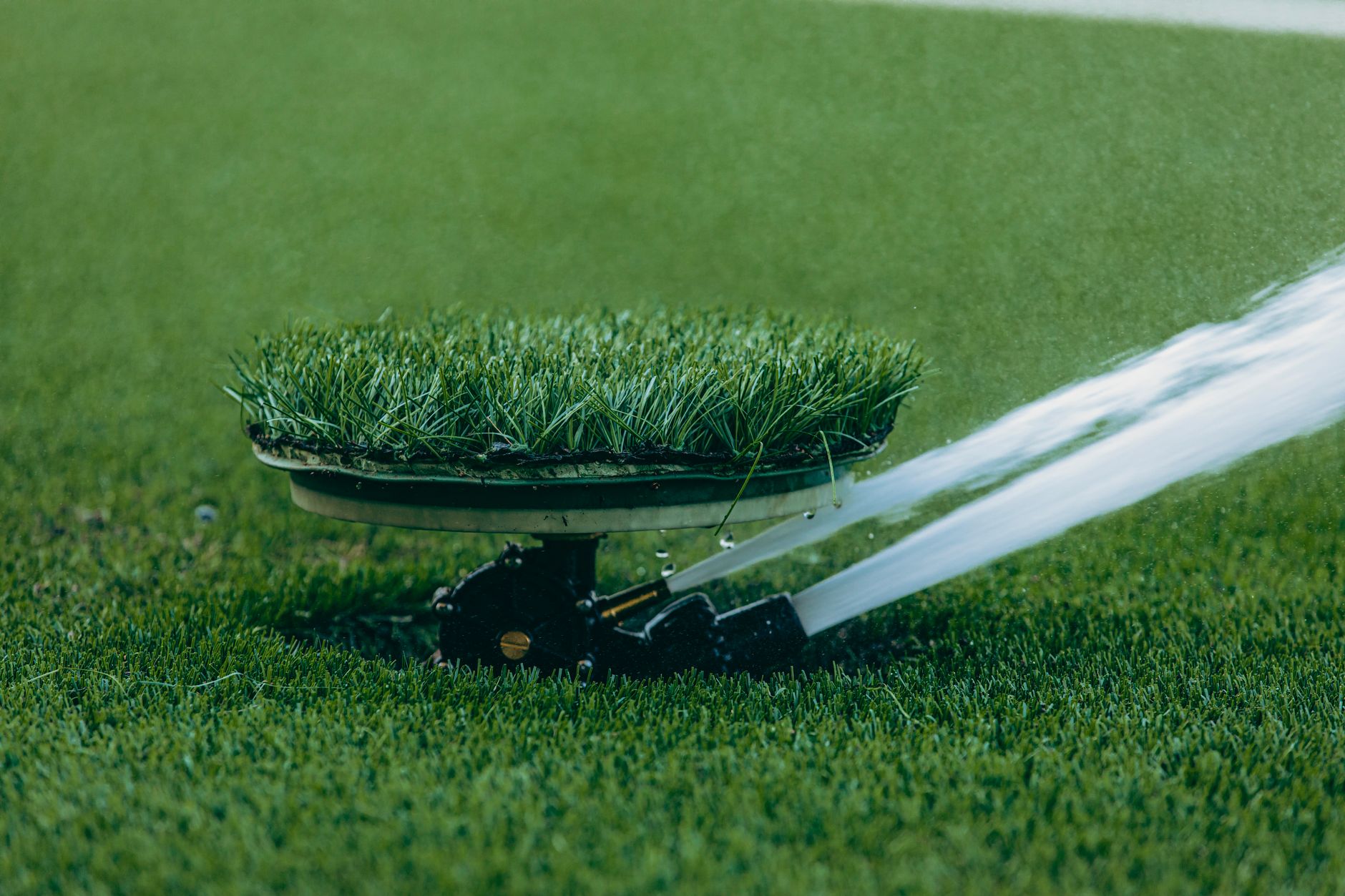
Walk the zone with the client's irrigation plan if one exists, and with a locator and careful eyes if it does not. Record every head, valve box lid, and pop up that falls inside the mowing footprint, including heads tucked into beds, along walks, and at the edge of the rough. A head missing from the map can be the first one the robot meets.
Most robot mower apps let you draw these areas. Mammotion says its no go zones can cover obstructions such as pools, flowerbeds, trees, roots, and ditches, and that the mower then stays out of them. Husqvarna's US support pages explain what a stay out area is and how to set one up. TerraMow says its app can prompt a smart zone when the robot gets stuck or hits an obstacle, a useful signal that the map has a gap. We checked these pages in November 2026, and none showed a publication date.
Size each zone with judgment, not with a figure from a brochure. None of the manufacturer pages we reviewed gives a buffer distance for irrigation heads, so the crew should set a margin around each head, check it on the lawn, and widen it where thick grass could hide a head.
Flagging heads and valve boxes so people can see them
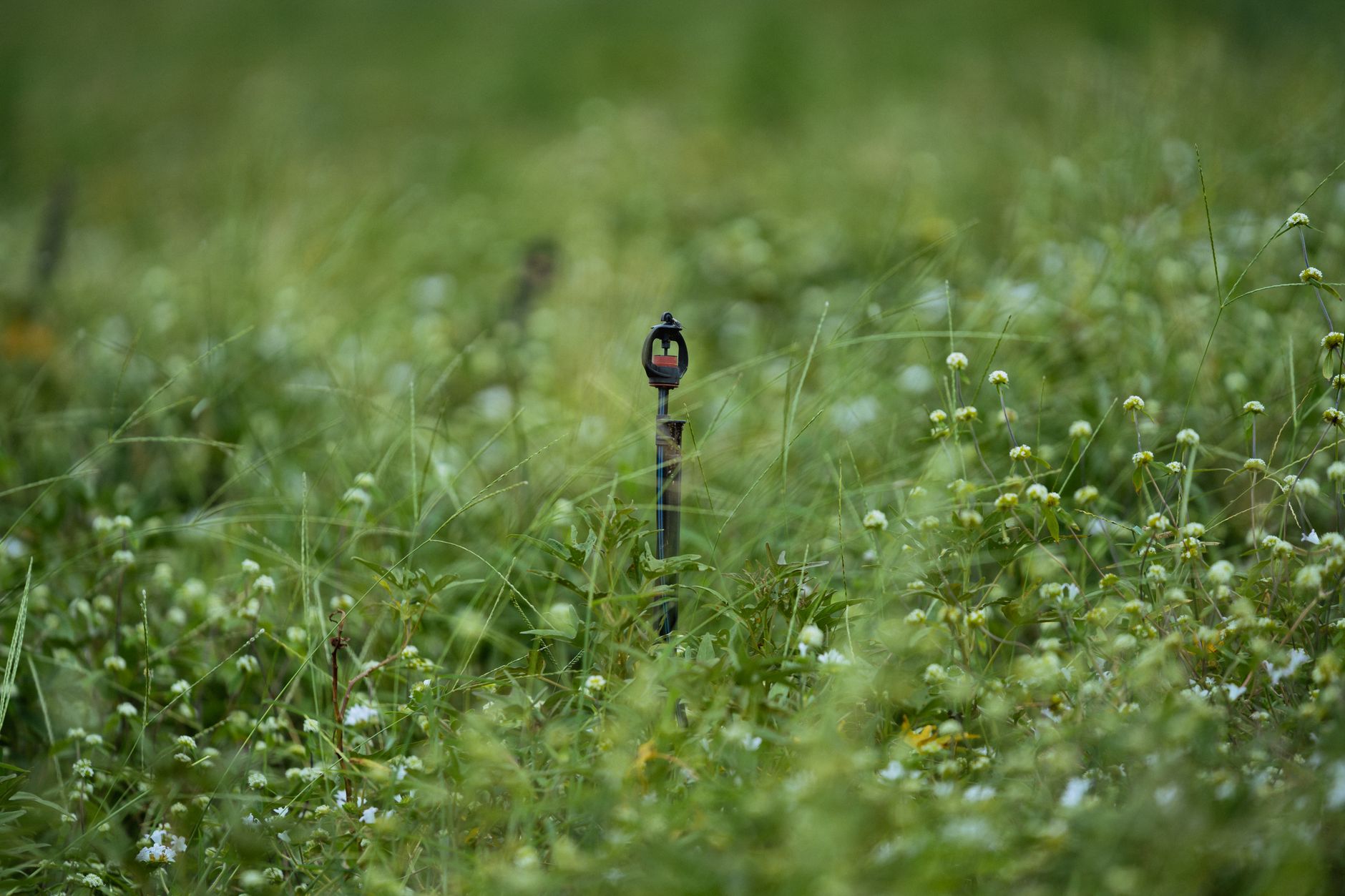
Flags serve a different reader than the app. They tell a crew member, standing on the turf with the robot paused, exactly where a head sits. Use a bright flag at each head and a marker at each valve box lid, and photograph the layout from two fixed points so the next visit has something to compare against.
Flags do not replace the digital zone, and the zone does not replace the flag. A flag is a note for people and a zone is an instruction for the robot. Give them matching names or numbers so a supervisor can check one against the other in seconds.
Timing passes around the sprinkler cycle
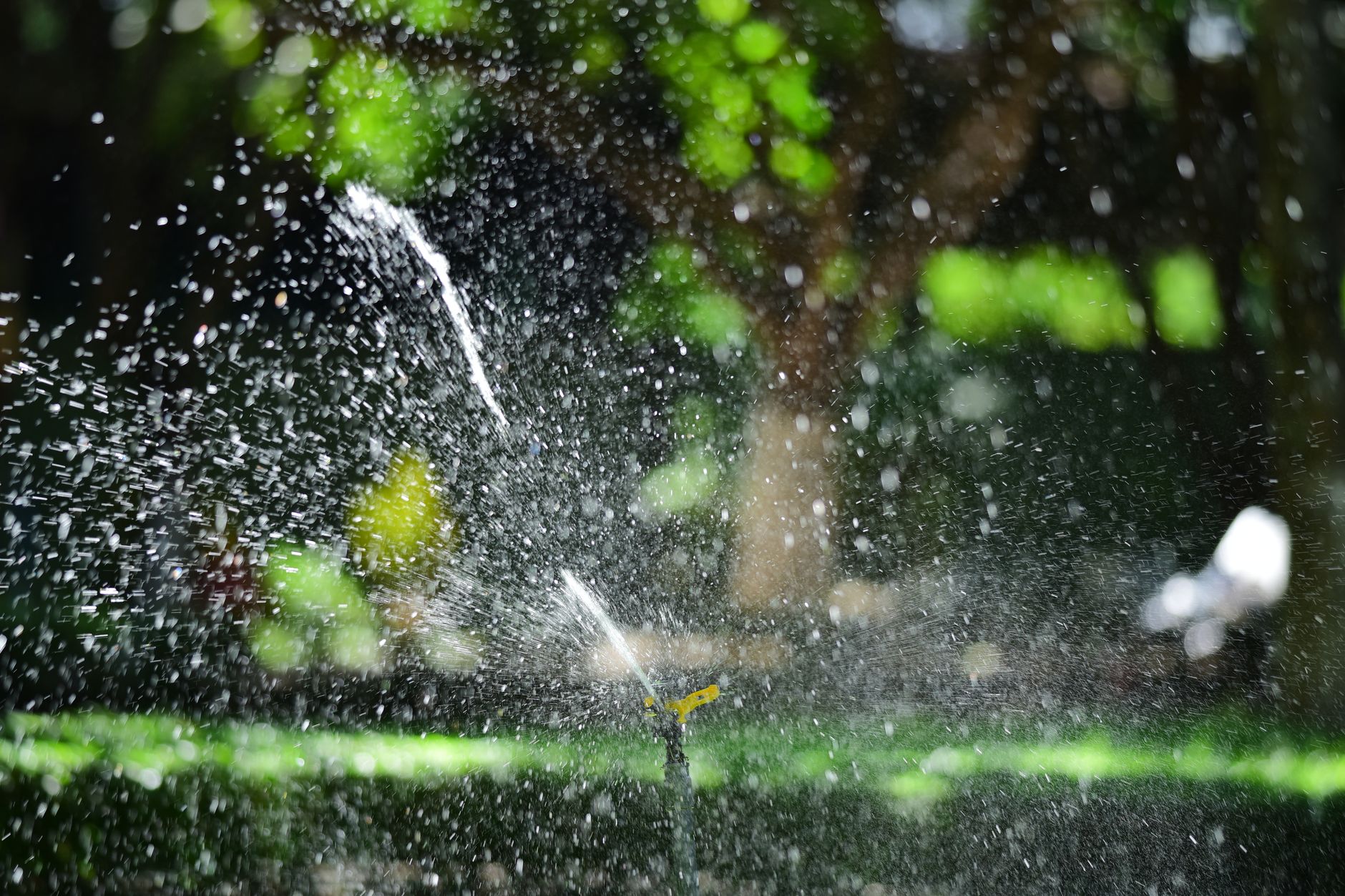
The map handles where the robot goes, and timing handles when. One Stiga manual we reviewed says to return the mower to its charger at least one hour before automatic sprinklers start, and not to run the mower while a sprinkler is operating. Use that as a starting point for your own site, since a manual cannot know your controller start times, run lengths, or zone overlaps.
Build the mowing window from the controller's real schedule, not from memory. Check it after any schedule change, after a zone is added, and whenever the season shifts start times. A window that worked under one schedule can overlap a new start time after a change nobody wrote down.
What the robot's sensors can and cannot catch
Obstacle sensors react to what they detect, and the reactions manufacturers describe usually come at or after contact. Robomow says its mower stops the blade on impact and reverses away after a collision sensor contact. A Yard Force manual describes the mower stopping, backing up, and mowing in a different direction when its sensors report an obstacle.
Roborock support, checked in November 2026, says its mower has limits and recommends a no go zone around problem areas. A sensor reaction begins when the sensor sees something, so a head can be reached before the reaction finishes. That gap is the reason the supervised test pass exists.
Run the first pass of any new zone with a person near the path, ready to pause the job. Watch the early passes near heads closely, then sample the zone on later passes, especially once grass has grown and hidden a flag.
Logging strikes so the repair crew starts with facts
When a head takes a hit, stop the job and log it before anyone digs or rebuilds. Record the zone name, the head type, its position against a fixed landmark, the time, any status message the robot showed, and a photo. Our research turned up no published strike logging standard, so treat this routine as field practice your crew can adjust, not an industry rule.
A clean entry turns a repair call into a short work order. Over time it also shows whether the same head keeps getting struck, which tells you whether the boundary, the flag, or the timing needs fixing.
When to re-flag after irrigation work
Re-flag after any change to the layout. That includes a replaced head, a moved nozzle, a new lateral line, a relocated valve box lid, and any digging that could have shifted a head or its flag. A head set a few inches from its old spot is a changed map, and the robot has no way to know that.
Eufy's guidance is a useful reminder. It notes that a route clear on one day may hold a sprinkler, toys, or fallen branches days later, and that no go zones should be updated after objects move. Irrigation work moves things on the ground, so treat the end of any repair as a trigger to re-walk the zone, redraw the boundary, and run a short supervised pass before the robot returns to full service.
Where Service Robot Co. fits in this routine
Service Robot Co. is OEM neutral. We pick the right robot across manufacturers for the turf and the work, then lease it through financing, deploy and integrate it, train the crew, and service every unit under RoboCare, our service coverage, backed by regional service engineers in every state we service. That keeps the irrigation map, the crew training, and the repair calls with one team.
Our commercial robot leasing starts with a site assessment. The irrigation inventory, zone boundaries, and timing rules are the record a site assessment should capture before a fixed lease quote is prepared. Even with that record in hand, a trained person still watches the robot on irrigated turf, because no map removes all risk.
Frequently asked questions
Want a robot working for you?
Tell us the job and the site. We will recommend the robot, quote the lease, and keep it serviced.
Sources
- Mammotion support article on no go zones
- Husqvarna US support: what a stay out zone is and how to create one
- TerraMow support: What is No-go Zone
- Stiga robotic mower manual (ManualsLib listing)
- Eufy guide to robot lawn mower safety
- Roborock garden support article
- Robomow FAQ on object and obstacle detection
- Yard Force robotic mower operating manual (PDF)