Key takeaways
- Name an owner for the shared traffic calendar before you add the second AMR.
- Forklift peaks at docks and VNA aisles are the conflicts that matter most.
- Zone locks beat speed tweaks when lift traffic is unpredictable.
- Re-test handoffs after every layout or slotting change.
Why forklift peaks break AMR schedules
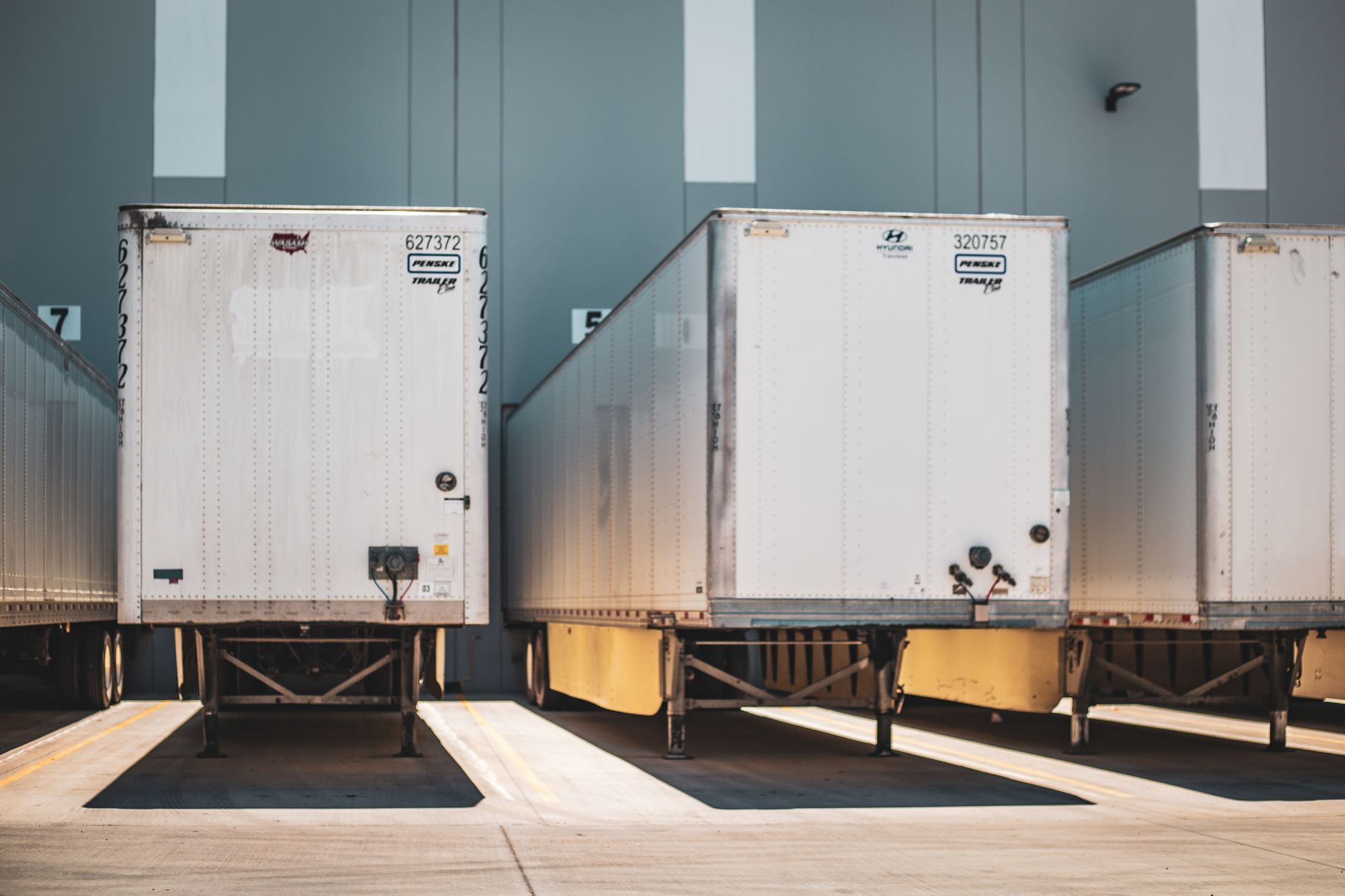
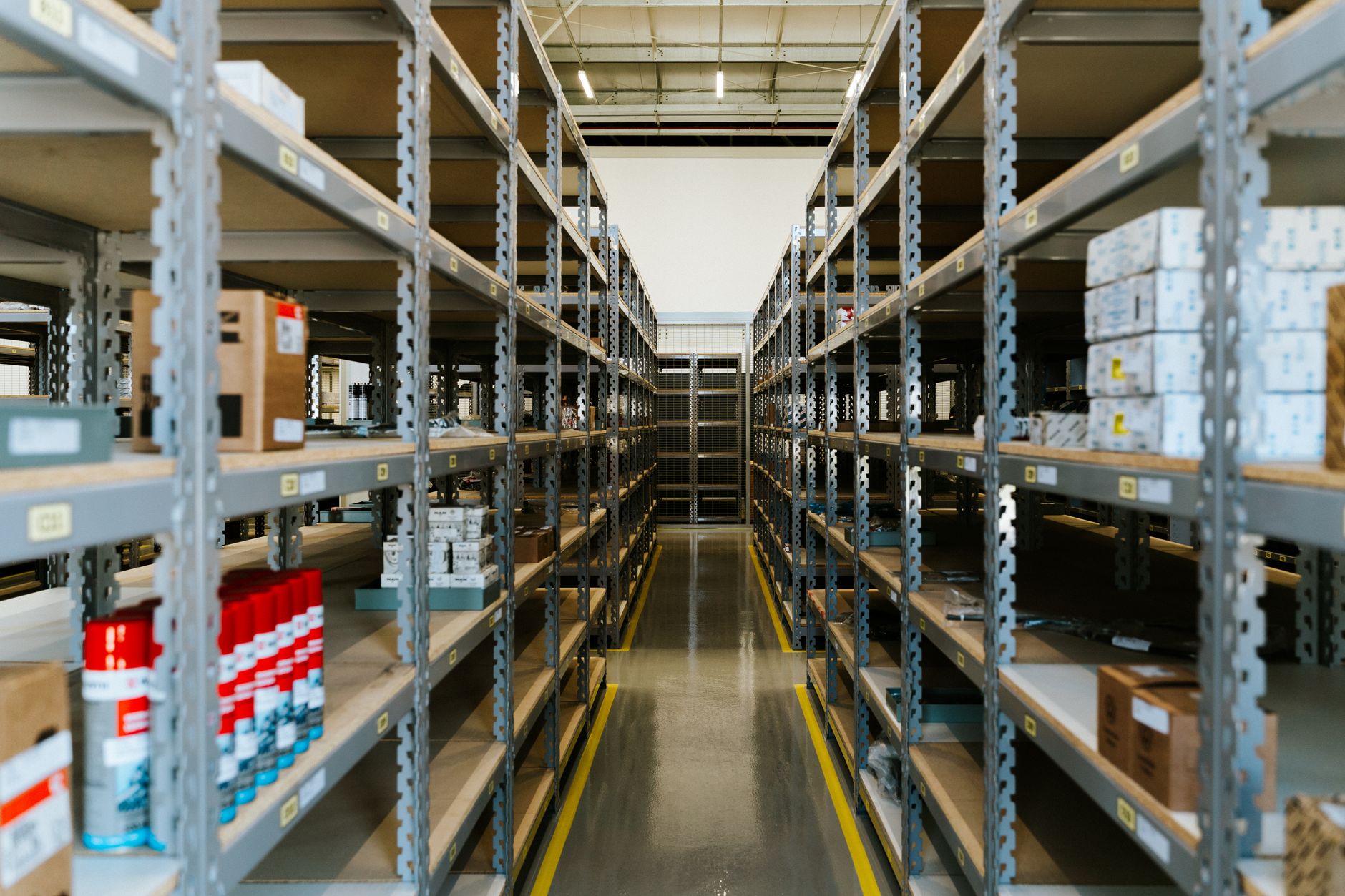
Autonomous mobile robots and forklifts share the same floor, but they do not share the same rhythm. AMRs favor steady, predictable loops. Forklifts bunch at receiving doors, staging lanes, and narrow aisles when trailers arrive and when pick waves release.
A near-miss at a blind corner is often a scheduling problem, not a sensor problem. If both modes need the same ten meters at 8:15 a.m., someone must decide who yields.
Scheduling AMRs around forklift peak windows keeps both tools productive. You are not banning AMRs during lifts. You are sequencing who owns which zones when.
Who should own the traffic calendar?
Assign one role to publish the calendar: warehouse supervisor, logistics lead, or a traffic manager if you run a large campus. Operations owns the floor; IT owns the WMS timestamps; maintenance owns charger placement. The calendar fails when everyone edits rules in different systems.
Meet weekly during rollout, then monthly once patterns stabilize. Review exceptions from the prior week: late trailers, overtime waves, and audit holds that blocked a zone longer than planned.
Post the calendar where lift drivers and AMR champions see it. A PDF in email dies on night shift.
How do you map forklift peak windows?
Start with a week of timestamped data: dock appointments, wave releases, break times, and shift changes. Overlay AMR mission density from fleet software.
Mark heat zones, not just aisles. Dock plates, cross-aisles, and trash compactor runs often matter more than straightaways.
Talk to veteran drivers. They know the informal peaks that WMS timestamps miss, like the ten minutes after lunch when everyone returns to staging.
- Receiving and putaway surges
- Outbound pick wave releases
- Break and shift-change rushes
- Battery swap windows for lifts
- Audit or inventory count holds
What rules work on the floor?
Zone locks are the blunt tool that works. During a declared forklift peak, AMRs reroute or hold outside the zone instead of negotiating inch by inch.
Quiet hours for AMRs are the mirror image: lifts stay out of designated AMR highways while carts run milk runs on a tight cadence.
Speed caps help in shared corridors but do not replace zoning. A slow AMR and a fast lift can still meet at the same pinch point.
Use WMS or WES signals when you have them. Hold AMR dispatch until a dock door status flips, or pause missions when a wave status changes to active pick.
How should lift drivers and AMR teams coordinate?
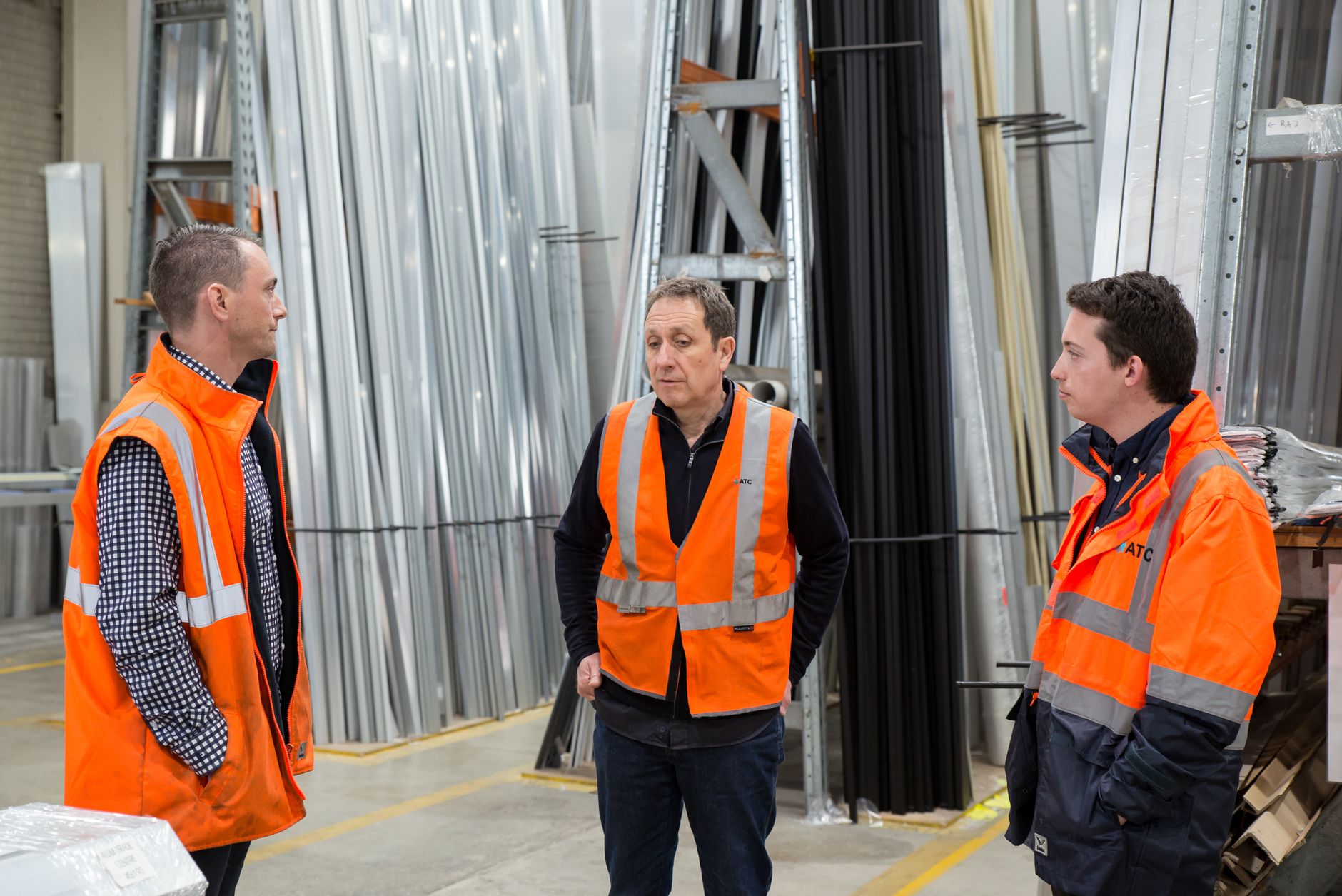
Train both groups on the same vocabulary: zone name, lock reason, and who can clear it. Lift drivers need to know which lanes are AMR-primary during quiet hours.
Define escalation when a lock overruns. If receiving runs long, someone extends the lock in the traffic manager and notifies the fleet dashboard.
Avoid blame loops in incident reviews. The fix is usually a calendar edit, not a write-up.
Testing handoffs before you go live
Script the first week. Run AMR loops while lifts execute a normal peak scenario with spotters and a kill plan.
Test partial failures: door stuck open, late trailer, AMR stopped mid-aisle. See whether locks cascade or leave gaps.
Measure wait time for both modes. If lifts idle too long, your quiet hours are too aggressive. If AMRs queue for an hour, peaks are under-bounded.
When layout changes force a remap
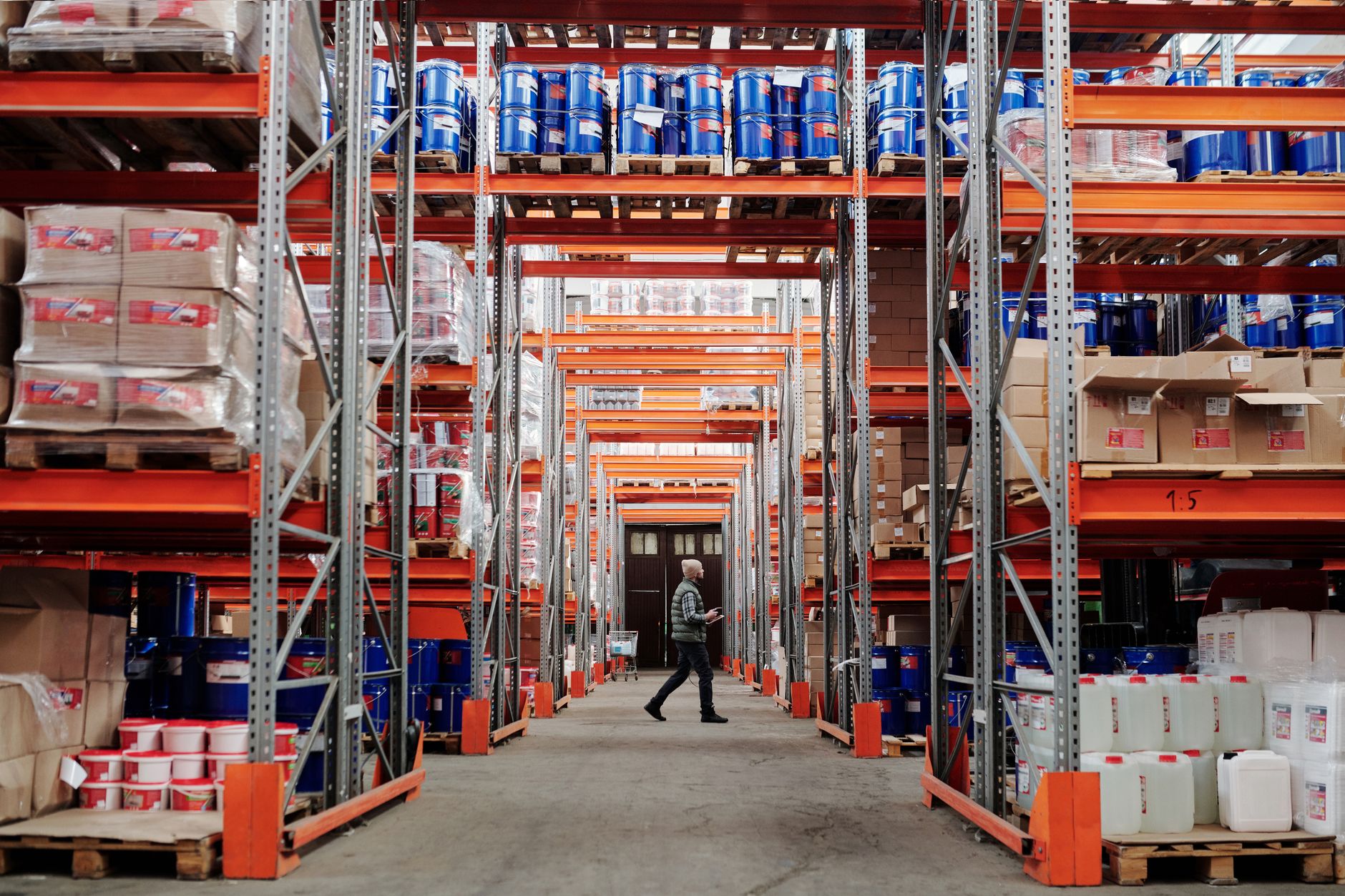
Slotting projects, seasonal SKUs, and new dock doors change peaks. Treat layout changes as trigger events for a traffic review, not only a map edit.
Version maps and calendars together. An old calendar on a new map confuses everyone.
Service Robot Co. helps multi-vendor fleets align AMR maps, zone rules, and service coverage through a nationwide engineer network. When you remap, validate with the same joint test you ran at go-live.
Metrics that tell you the schedule is working
Track AMR mission delay minutes attributed to traffic holds, not just battery or faults.
Track lift idle time at zone boundaries during AMR quiet hours.
Count near-miss reports and door-interlock trips. A downward trend beats a perfect week that nobody measured.
Review monthly with safety. Scheduling wins should show up in fewer close calls, not only higher cart counts.